
Skip to content
OptiLag
  • Optimization
  • Lag fixes
  • Gaming
  • Windows 10
  • Softwares
  • Mods
  • GTA
    • GTA 4
    • Lag fixes
    • GTA 5
    • Graphics Mods
    • GTA 5 Mods

frame pacing

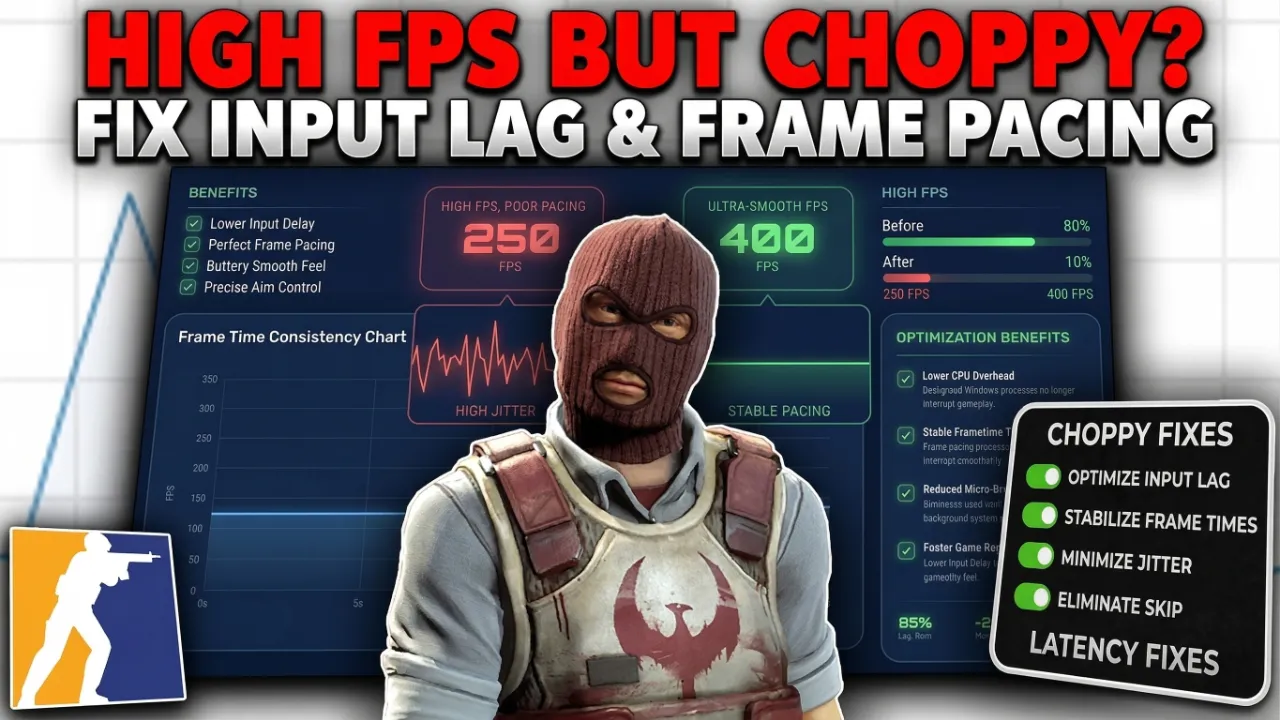
High FPS but Choppy? Fix Input Lag and Frame Pacing
April 6, 2026 by Optiman
High FPS but Choppy Fix Input Lag and Frame Pacing

High FPS but still choppy? Learn what causes input lag and frame pacing issues, and how to fix them with proven methods including disabling V-Sync, capping FPS, enabling NVIDIA Reflex, and more. Get smooth, responsive gameplay today.

Categories Fixes, Game Lag fixes, Gaming Tags choppy gameplay fix, frame pacing, high FPS stuttering, input lag fix 3 Comments

Popular

Top Guides

1
GTA 4 FPS Boost Tweak + Graphics Improvement
342.5k views
2
How to Fix All Common Errors in PC Games
289.1k views
3
DXVK lag fix for GTA 4 - Smooth Performance
215.8k views
4
GTA 4 FPS Boost Zip Download Guide
176.3k views
5
GTA 4 DXVK + FullScreen & ZolikaPatch Fix
144.9k views
  • How to Install the GTA 4 RTX Remix Mod on PC
  • GTA 6 New Updates Pre-Orders , Cover ART, Price Revealed?
  • Best GTA 6 Mods for PC: Coming Nov 2026?
  • GTA 4 Lag Fix & FPS Boost for PC
  • Zero-Lag PC: Advanced Latency Optimization
  • Antivirus
  • Apex Legends
  • CS:GO
  • Editing Software
  • Fixes
  • Fortnite
  • Game Guides
  • Game Lag fixes
  • Gaming
  • Graphics Mods
  • GTA 4
  • GTA 5
  • GTA 5 Mods
  • GTA 6
  • GTA San Andreas
  • GTA Vice City
  • How to
  • Internet Fix
  • Lag fixes
  • Mods
  • Network Fix
  • Optimization
  • OS Tweaks
  • PC games
  • Ping Fixes
  • Realism Mods
  • ROBLOX
  • Softwares
  • Tools
  • Tutorials
  • Uncategorized
  • Valorant
  • Windows
  • Windows 10
  • Windows 11
  • Youtube
© 2026 OptiLag • Built with GeneratePress