
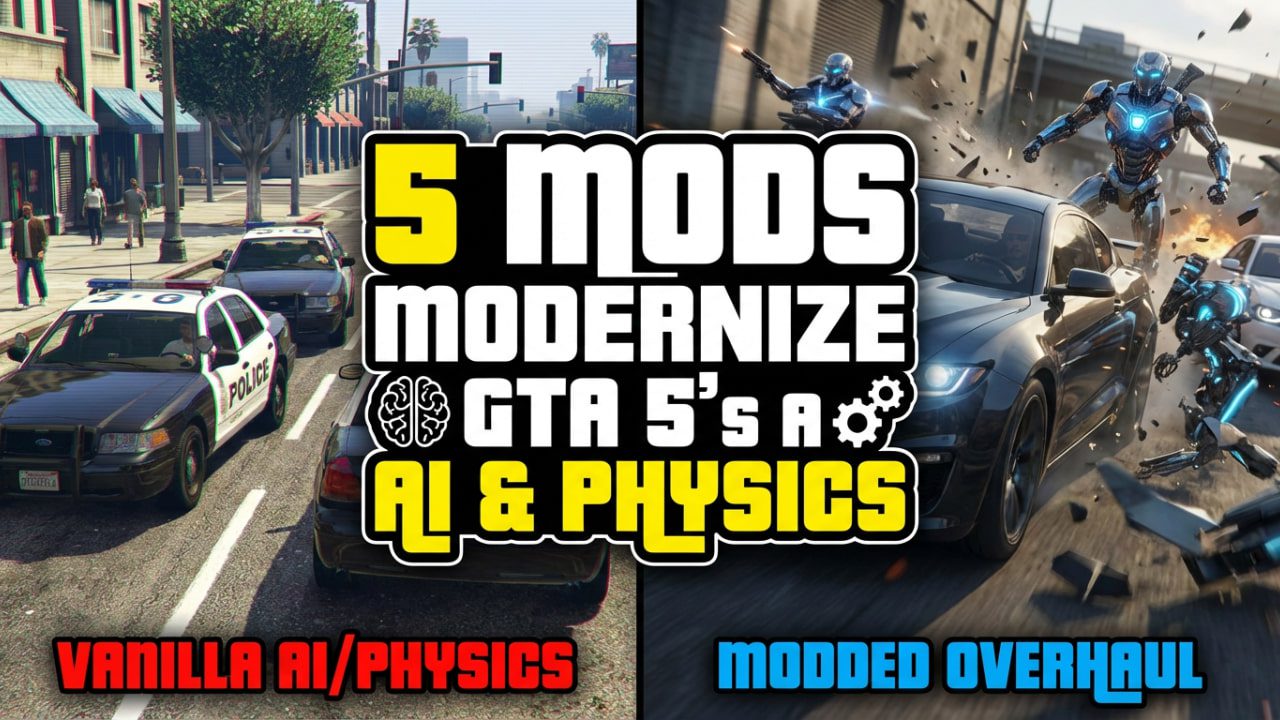
Discover the top 5 GTA 5 mods that overhaul the game’s dated AI and physics. From smarter police to realistic ragdolls, these essential mods modernize Grand Theft Auto V for 2026.
I’ll be honest—vanilla GTA 5 hasn’t aged gracefully in the physics department. When I first played Red Dead Redemption 2, going back to Los Santos felt like stepping into an arcade game. The cars felt like they were glued to the track, and the NPCs? They were just mindless targets that flopped over when hit.
As an SEO strategist who doubles as a hardcore modder, I’ve spent more hours than I’d like to admit breaking my game folder just to get that perfect balance of realism and chaos. If you want to modernize GTA 5’s AI and physics to feel more like a next-gen title, you don’t need 100 random scripts. You just need these five heavy hitters.
Here is the definitive list of mods to bring Los Santos into the modern era.
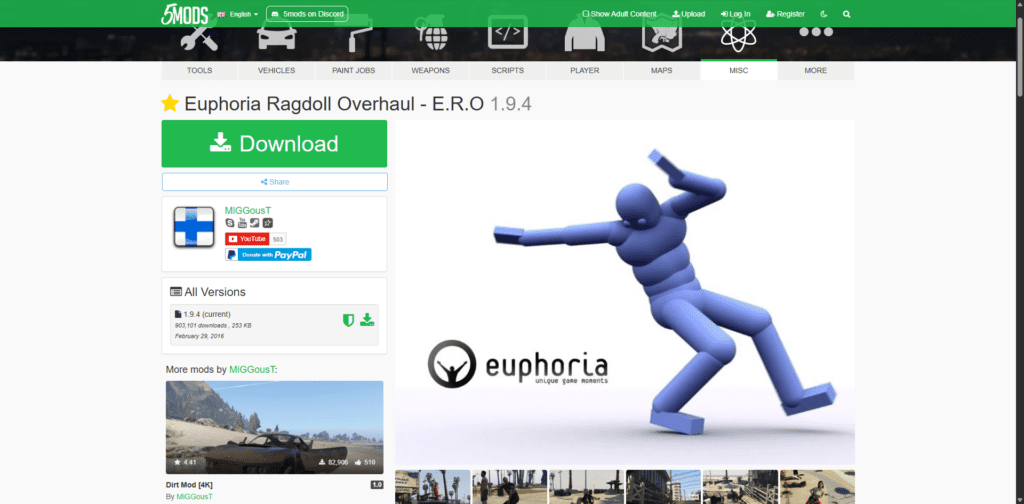
1. Euphoria Ragdoll Overhaul (ERO)
Category: Physics (Ragdolls & Reactions)
If you install only one mod from this list, make it this one. Vanilla GTA 5 actually “dumbed down” the Euphoria physics engine compared to GTA 4, likely to save processing power on old consoles. Euphoria Ragdoll Overhaul (ERO) unlocks the engine’s full potential.
Why It Changes the Game
In the base game, if you shoot an NPC, they usually go limp instantly—it looks like a sack of potatoes dropping. With ERO, they react. If you clip a guy’s shoulder, he spins and stumbles, trying to regain his balance before falling. If you hit them in the leg, they clutch the wound and try to hop away.
- Reactions: NPCs grab wounds, stumble, and brace for impact.
- Balance: They try to stay upright longer rather than instantly ragdolling.
- Vehicle Impacts: Pedestrians roll over hoods realistically instead of bouncing off like tennis balls.
I remember the first time I installed this; I got into a shootout near Grove Street, and the way enemies fell over railings or tried to prop themselves up against walls was genuinely unsettling. It adds a gritty weight to combat that the vanilla game completely lacks.
Download Euphoria Ragdoll Overhaul on GTA5-Mods
2. Better Chases+
Category: AI (Police Logic)
Let’s talk about the cops. In vanilla GTA 5, the police are psychic. You stab someone in the middle of the desert with no witnesses, and 10 seconds later, a helicopter knows your exact GPS coordinates. It’s annoying and outdated.

Better Chases+ fixes the “psychic cop” problem and introduces a warrant system.
Key Features
- Arrest Warrants: If you escape a chase but they identified your car or face, you aren’t “clear.” They remember you.
- No Automatic Wanted Level: Police must actually see the crime or be called by a witness.
- Gradual Escalation: Cops won’t just open fire for a traffic violation. They will try to arrest you first.
This mod forces you to drive smarter. I once spent 20 minutes hiding in an alleyway with my engine off because a cruiser was slowly patrolling the street outside. The tension was incredible—something the base game never achieved.
3. Realistic Driving V
Category: Physics (Vehicle Handling)
Rockstar designed GTA 5’s driving to be accessible, which is fine, but it feels floaty. Cars have insane grip and can turn on a dime at 100mph. Realistic Driving V completely rewrites the handling files for every vehicle in the game.

The Physics Overhaul
This isn’t just a “drift mod.” It uses real-world physics data for:
- Suspension: You can feel the weight transfer when you corner.
- Torque: Muscle cars feel heavy and wheel-spin happy; supercars feel planted but fragile.
- Damage: Hitting a wall at 60mph actually ruins your axle.
Warning: This mod has a learning curve. You can’t just hold W and turn anymore. You have to brake before the corner. It transforms driving from a chore into a skill.
4. World of Variety (WoV)
Category: AI (Spawning & Diversity)
While this is technically a “spawn” mod, it drastically affects how the AI feels because it diversifies who you interact with. Vanilla Los Santos feels cloned—you see the same three SUVs and the same pedestrian models everywhere.
World of Variety integrates DLC vehicles and peds into the single-player traffic flow. But it also changes behavior.

What to Expect
- Gang Patrons: You’ll see DLC gang members driving customized lowriders in their turf.
- Police Diversity: K-9 units and unmarked cruisers patrol naturally.
- Alive World: You might see people walking dogs or hikers in areas that used to be empty.
It makes the AI ecosystem feel functional rather than scripted.
Note: This mod is complex to install. You will heavily rely on a gameconfig.xml file to prevent crashes.
5. Disarm (or Pull Me Over)
Category: AI (Combat/Interaction)
I’m cheating slightly here and recommending a script that changes combat psychology. Disarm allows you to shoot weapons out of people’s hands, and more importantly, it changes their surrender logic.
In the base game, enemies are suicidal. They will fight until they die. With Disarm, if you shoot a cop’s gun out of his hand, he might surrender or run away rather than pulling a magical backup pistol instantly.

Why It Matters
- Non-Lethal Options: You can end a fight without killing everyone.
- Fear Factor: NPCs react to being disarmed with genuine panic.
It brings a touch of Metal Gear Solid to Los Santos.
Download Disarm Script
Comparison: Vanilla vs. Modded
Here is a quick breakdown of how these mods shift the gameplay loop.
| Feature | Vanilla GTA 5 | Modded (This List) |
| Ragdolls | Instant limp bodies. | Stumbling, balancing, reaction to pain (Euphoria). |
| Police | Psychic knowledge, shoot-on-sight. | Requires line-of-sight, warrants, logical escalation. |
| Driving | Arcade-like, infinite grip. | Heavy, physics-based, requires braking. |
| NPCs | Suicidal zombies. | Can surrender, flee, or be disarmed. |
Installation Tips for Beginners
Look, modding GTA 5 can be a headache if you rush it. Here is my “golden rule” workflow to avoid corrupting your game:
- Use a “Mods” Folder: Never replace files directly in your
update/x64folders. Use OpenIV’s “mods folder” feature. - Install One by One: Don’t dump all 5 mods in at once. Install ERO, test the game. Install Better Chases, test the game. If it crashes, you know exactly which mod caused it.
- Back Up: Always keep a clean backup of your
update.rpf.
Ready to Remaster Los Santos?
These mods don’t just change the game mechanics; they change the vibe. You stop playing GTA 5 like a chaotic arcade shooter and start treating it like a gritty crime simulator.
Next Step: I’d recommend starting with Euphoria Ragdoll Overhaul. It’s the easiest to install and offers the most immediate visual upgrade.
Have you tried any of these, or do you prefer the vanilla arcade feel? Let me know in the comments below!