


Looking for the best GTA 4 mods? Download Simple ENB and ZolikaTrainer here. Improve your graphics and gameplay with these essential mods. Direct links and 2026 installation guide included!
Grand Theft Auto IV remains a classic, but its aging graphics and limited vanilla features often leave players wanting more. Two of the most essential mods to revitalize your Liberty City experience are Simple ENB for a visual overhaul and ZolikaTrainer (ZMenu IV) for ultimate control over gameplay.
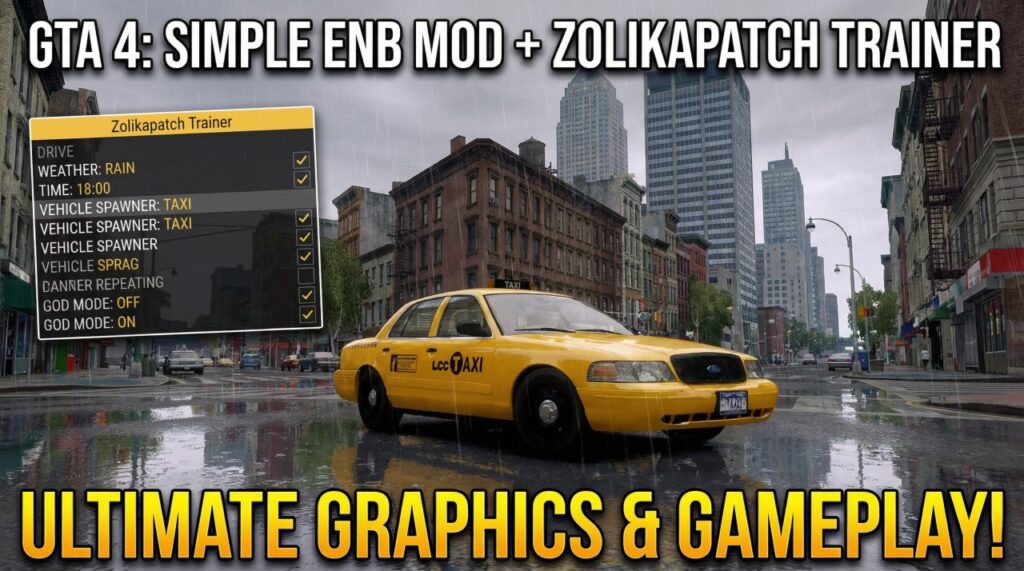
Below is a guide on where to download these mods and how to install them.
1. Simple ENB: Natural and Realistic Lighting
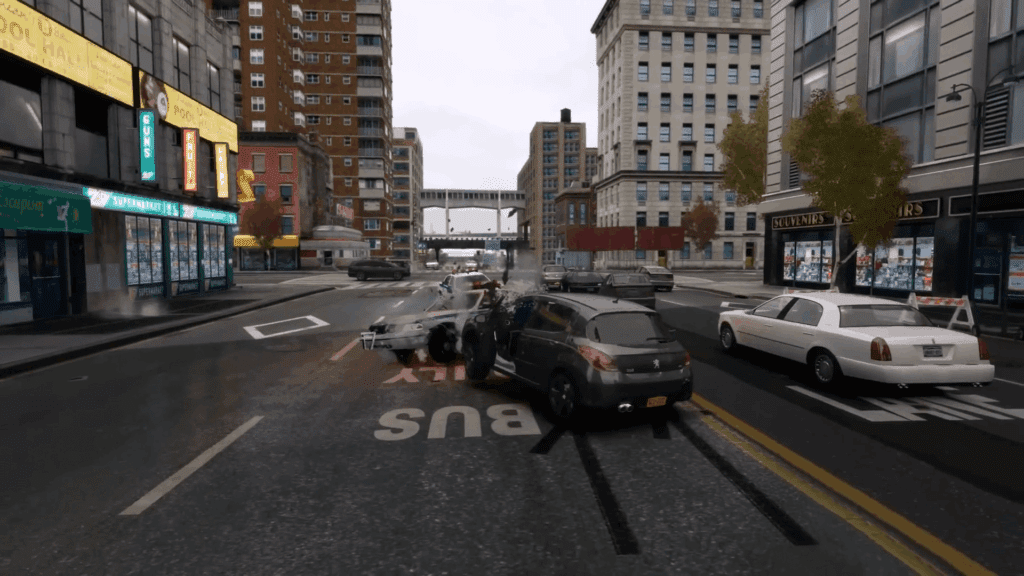
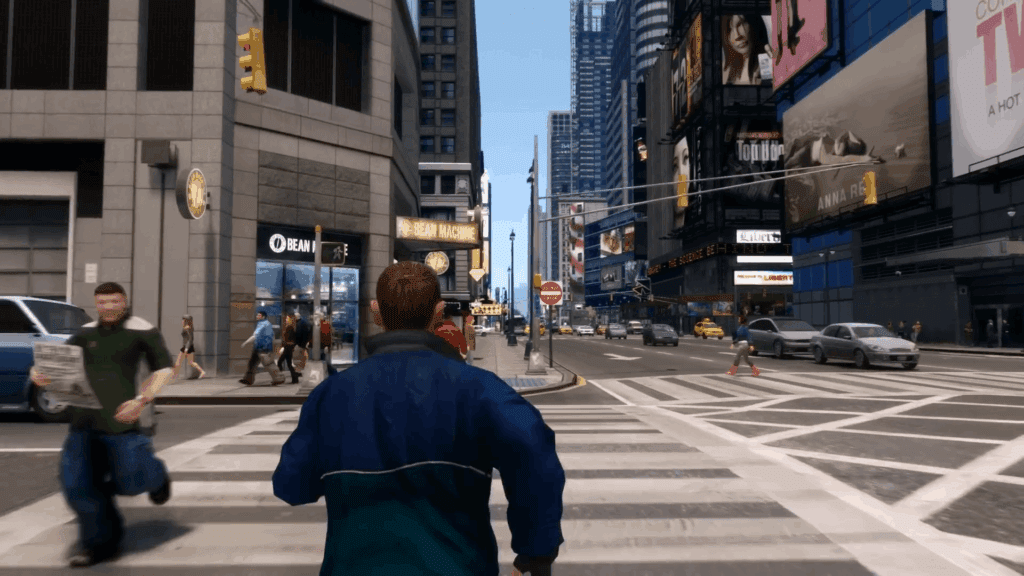
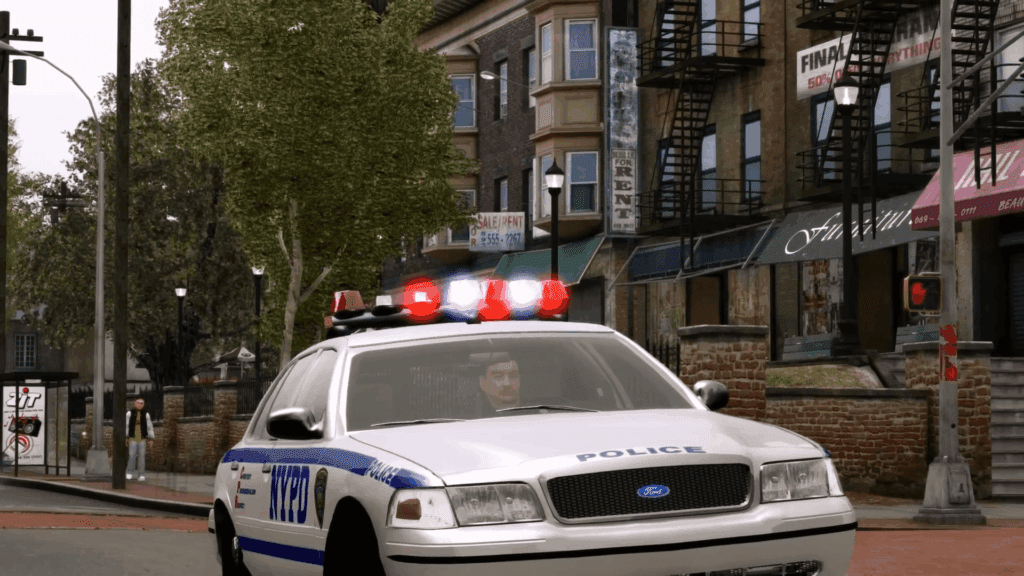
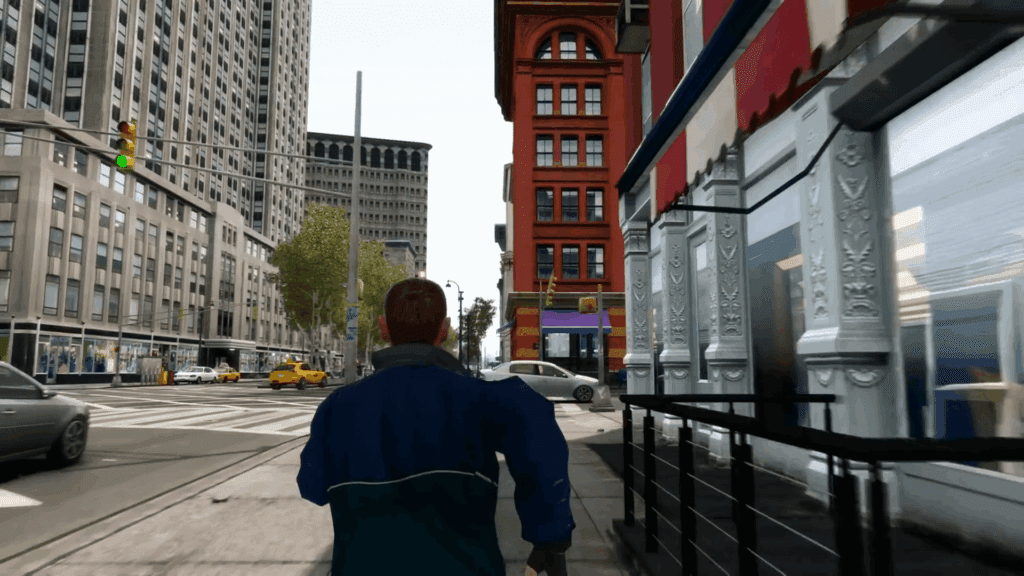
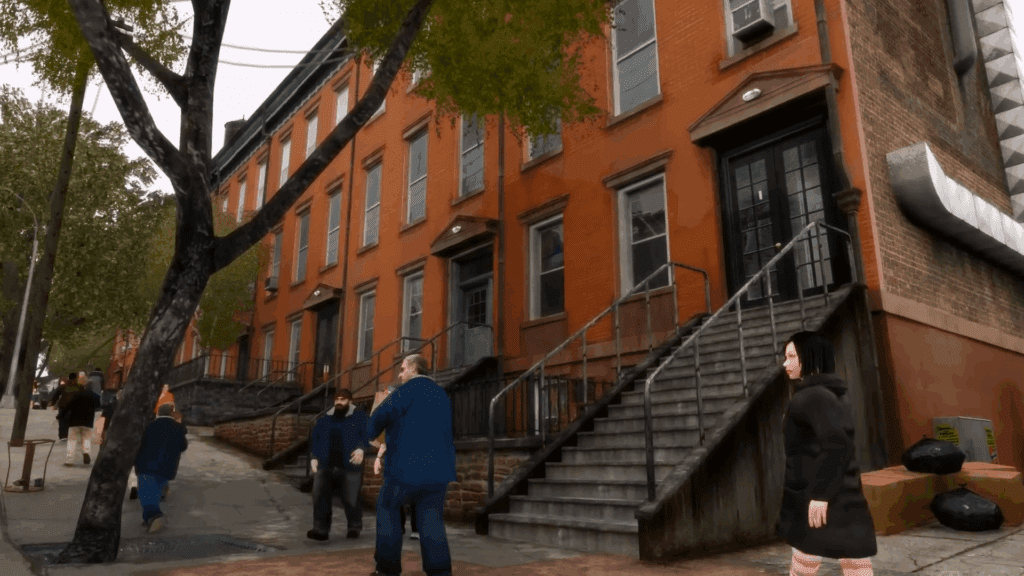
Simple ENB is designed for players who want a “next-gen” look without the massive performance hit of heavier mods like iCEnhancer. It enhances lighting, reflections, and shadows, giving the game a much cleaner, more vibrant atmosphere that is perfect for low-to-mid-end PCs.
Key Features
- Enhanced Reflections: Makes cars and wet roads look realistic.
- Improved Lighting: Removes the “grey” tint from the vanilla game.
- Performance Friendly: Optimized to run smoothly even on older hardware.
Direct Download Link
How to Install
- Extract the files: Use a tool like WinRAR or 7-Zip to open the downloaded archive.
- Copy to Game Folder: Drag and drop all the files (typically including
d3d9.dll,enbseries.ini, etc.) into your main GTA IV installation directory (whereGTAIV.exeis located). - Launch the Game: The mod should activate automatically. You can usually toggle it in-game using
Shift + F12.
2. ZolikaTrainer (ZMenu IV + Chaos Mod)
ZolikaTrainer (also known as ZMenu) is widely considered the best modern trainer for GTA IV. It replaces older, clunky trainers with a clean interface and hundreds of features that go far beyond simple cheats.
Key Features
- Standard Cheats: God mode, infinite ammo, never wanted, and money.
- Vehicle Spawning: Instantly spawn any car, helicopter, or bike in the game.
- Advanced Features: Airbreak (noclip), weapon recoil removal, first-person view, and VR support.
- Chaos Mod: Includes built-in Chaos Mod effects for a fun, unpredictable gameplay experience.
Direct Download Link
How to Install
- Requirements: Ensure you have an ASI Loader installed (ZolikaPatch is recommended for best compatibility).
- Copy Files: Place the
ZMenuIV.asiand the accompanying folder into your main GTA IV game directory. - Controls: * F7: Toggle Menu
- Numpad 8/2/4/6: Navigate
- Numpad 5: Select
- Numpad 0: Back
Important Tips for Modding GTA IV
- Version Compatibility: Many ENBs work best on older versions like 1.0.4.0 or 1.0.7.0. If you are on the Steam “Complete Edition,” you may need to use a “Downgrader” tool to ensure maximum stability with graphics mods.
- Backup Your Saves: Always keep a backup of your
commonandpcfolders before adding mods that overwrite files. - ASI Loader: Almost every GTA IV mod requires an ASI loader to work. If your mods aren’t loading, check if you have
dinput8.dllordsound.dllin your folder.
