

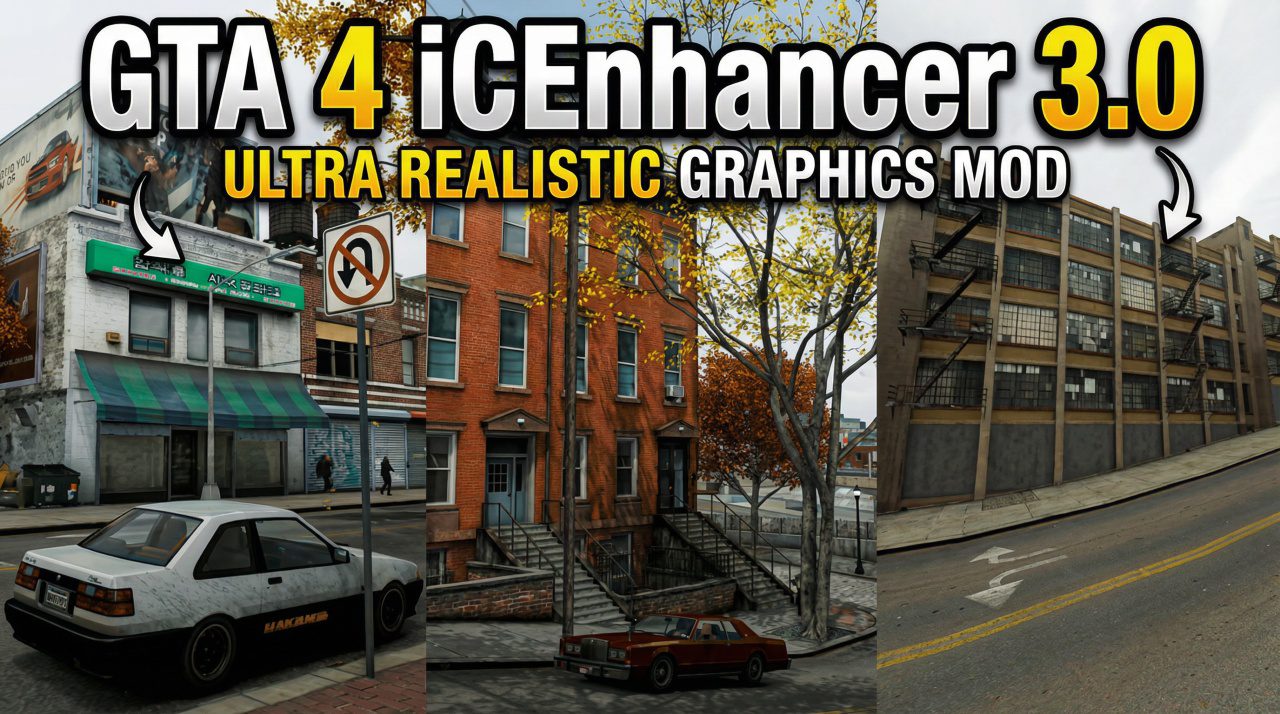
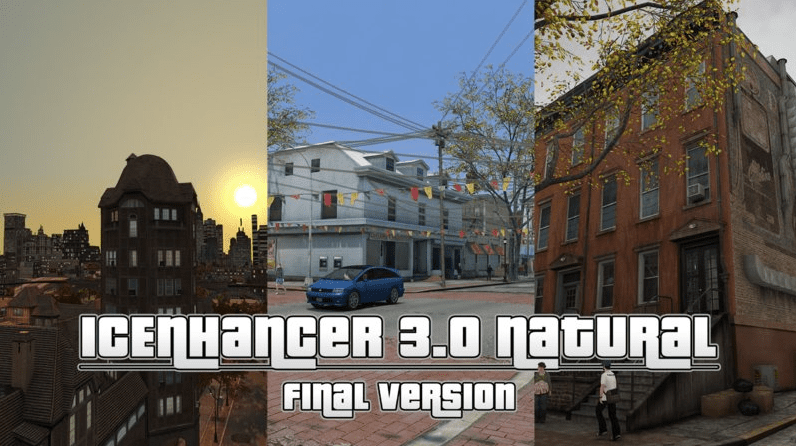
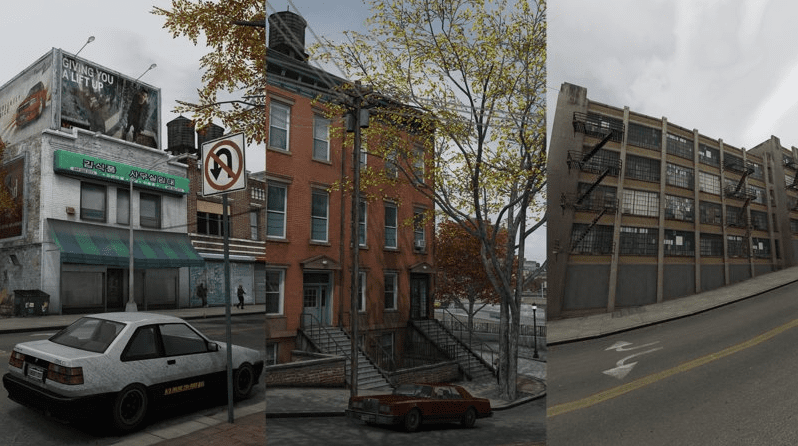
If you are looking to make Liberty City look like a real-life metropolis, you probably heard about iCEnhancer 3.0 Natural by DayL. This is one of the most famous graphics mods for Grand Theft Auto IV, and for good reason—it totally changes the lighting, colors, and textures to make the game look like it was released in 2026 rather than 2008.
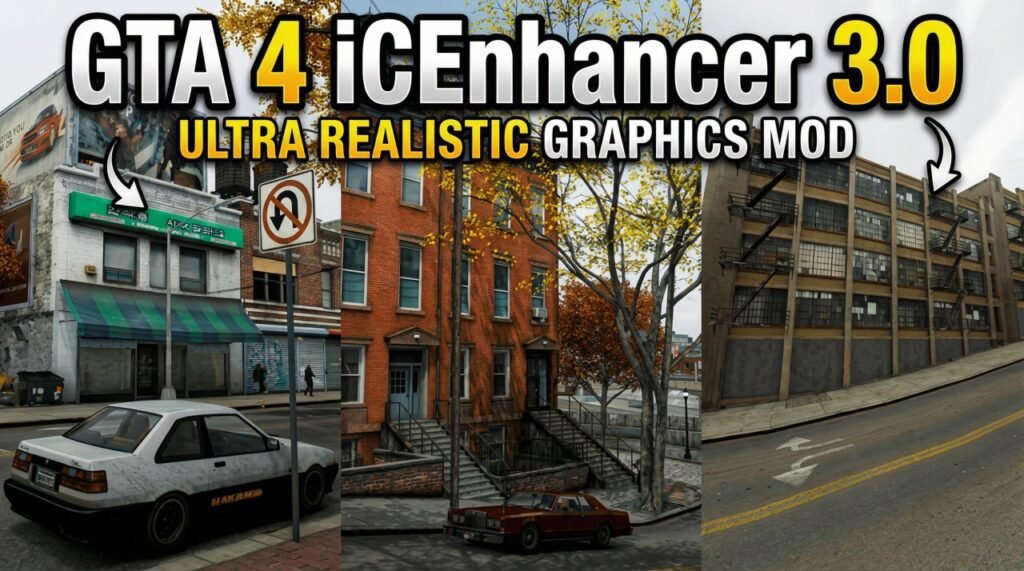
In this guide, we will look at everything from gta 4 icenhancer 3.0 natural download links to the specific system requirements you need to run it smoothly.
GTA 4 iCEnhancer 3.0 Natural Graphics Mod
The iCEnhancer 3.0 Natural version, specifically the preset by DayL, is designed to give a more “natural” and realistic look compared to the older, more oversaturated versions. It fixes the “red sky” bugs found in older patches and improves the volumetric fog and dynamic shadows.
Many players prefer this over the newer RTX Remix mods because it maintains the original “vibe” of GTA 4 while removing the muddy, gray filter the game originally had.
iCEnhancer GTA 4 System Requirements
Before you hit that gta 4 icenhancer 3.0 natural download button, you need to check if your PC can handle it. Modding the RAGE engine is notoriously heavy on the CPU and GPU.
| Component | Minimum (Vanilla GTA 4) | Recommended for iCEnhancer 3.0 |
| OS | Windows 7 / 8 / 10 | Windows 10 / 11 (64-bit) |
| Processor | Intel Core 2 Duo 1.8GHz | Intel i5 9th Gen or AMD Ryzen 5 |
| Memory | 1.5 GB RAM | 8 GB – 16 GB RAM |
| Graphics | NVIDIA 7900 / ATI X1900 | NVIDIA GTX 1060 / RTX 2060 |
| Storage | 22 GB | 30 GB (Including Textures) |
Overall Rating: ⭐⭐⭐⭐⭐ (4.8/5)
GTA 4 iCEnhancer 3.0 Natural Tutorial
Follow these steps for a clean install:
- Downgrade Your Game: Most mods don’t work on the “Complete Edition” on Steam. You need to use a GTA 4 Downgrader to go back to version 1.0.4.0 or 1.0.7.0.
- Download the Mod: Get the files for iCEnhancer 3.0 Natural by DayL.
- Extract Files: Copy all the files from the mod folder (d3d9.dll, enbseries.ini, etc.) and paste them into your main GTA IV directory.
- Install Textures: For the best look, download Lord Neophyte’s All-In-One Textures.
- Run the Game: Launch via the
.exeand press Shift + F12 in-game to toggle the effects.
GTA 4 iCEnhancer 3.0 Natural Low End PC
If you have a low end pc, don’t worry. You can still run this mod by editing the icelaglace.ini or enbseries.ini file. Set EnableAmbientOcclusion=false and EnableBloom=false. This will give you a massive FPS boost while keeping the improved lighting. Also, make sure to check out FusionFix, which helps with performance on modern hardware.
🛠 Easy Setup Guide
- Check for missing DLL files: Open the
_Redistor_CommonRedistfolder in the game directory and install DirectX, Visual C++ Redistributables, and any other included dependencies.- Extract files with 7-Zip: If you encounter a “file corrupted” error, re-download the files and extract them again.
- Run as Administrator: Right-click the game’s executable and choose Run as Administrator to prevent save or permission issues.
Click here to Fix all DLL Issues
💡 Helpful Tips
- Need installation help? Check out our full FAQ & Troubleshooting Guide.
- Antivirus false positives: Temporarily disable your antivirus during extraction to prevent game files from being blocked.
- Update GPU drivers: For optimal performance, make sure your NVIDIA or AMD drivers are up to date.
- Game won’t launch? Try running the game in compatibility mode or installing missing DirectX updates.
- Still seeing errors? Some games require updated Visual C++ Redistributables. Download the All-in-One VC Redist Package and install all versions.
❓ Need More Help?
Visit our FAQ page for answers to common questions and solutions to frequent issues.
Related Keywords: GTA IV High Graphics, Best GTA 4 Mods 2026, Liberty City Overhaul, Realistic Lighting Mod.
