
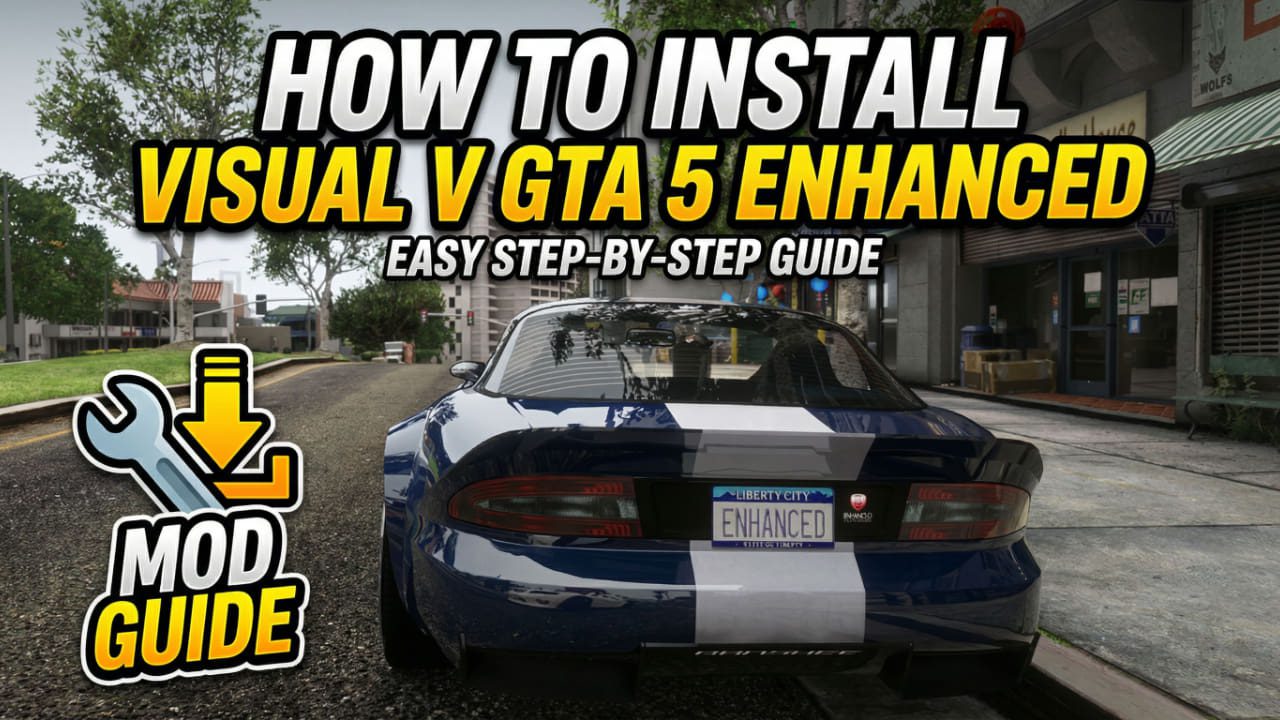
It has been over a decade since we first stepped into Los Santos. And look, the gameplay holds up, but the visuals? They are starting to show their age. If you are scouring the web for a [GTA 5 remastered: enhanced mod], stop looking for official updates from Rockstar. They aren’t coming. The community has done the work for them.
That is where [VisualV Enhanced] comes in.
I’ve tried those blown-out “ultra-realistic” presets that look incredible on YouTube but run like a slideshow when you actually play. VisualV isn’t like that. It respects the original art direction—it just cleans up that weird “smog” filter, fixes the shadows, and makes the weather systems actually believable.
In this guide, I’m going to walk you through exactly [how to install Visual V GTA 5 enhanced] the right way. I’ve broken my game folder more times than I care to admit, so I’ve ironed out the mistakes so you don’t have to make them.
Before We Start: The Essentials
You can’t just drag and drop files and hope for the best. To get any [GTA 5 graphics mod download] working without an instant crash to desktop, you need a solid foundation.
Here is your checklist:
- A Clean GTA V Install: If you have fifty other outdated mods installed, things are going to get messy.
- OpenIV: The bread and butter of GTA modding. You literally cannot do this without it.
- ScriptHookV: Essential for the ASI loader.
My Personal Rule: Always, always create a “mods” folder inside your GTA directory. OpenIV has a feature that does this for you. Never replace original game files if you can avoid it. It saved my skin when I wanted to hop on GTA Online and just had to delete the mods folder to avoid a ban.
Step 1: Setting Up OpenIV
If you haven’t used OpenIV before, it looks a bit intimidating—kind of like Windows Explorer from 2005—but it is actually straightforward.
- Download and install [OpenIV].
- Select Grand Theft Auto V (Windows).
- Locate your
GTA5.exepath when it asks. - Crucial Step: Go to the “Tools” tab > “ASI Manager”.
- Install ASI Loader and OpenIV.ASI.
When you click install on OpenIV.ASI, it will ask if you want to create a “mods” folder. Say YES.
Step 2: How to Install Visual V Enhanced
Now for the main event. Here is [how to install Visual V enhanced] properly using the automatic package installer (thank god we don’t have to replace textures manually anymore).
- Download: Go to the [GTA5-Mods website] and grab the latest VisualV package.
- Extract: Unzip the file. You will see a folder called
installationcontaining a.oivfile. - OpenIV Edit Mode: Click the “Edit Mode” button in OpenIV. Do not forget this. If I had a dollar for every time I tried to drag a file in without Edit Mode on…
- Install: Drag the
VisualV.oivfile right into the OpenIV window. - Target: When asked, select “mods folder”.
Once it says “Installation Succeeded,” you are technically done. But if you want the game to look truly next-gen, you need to look at the optional add-ons.
Visual V GTA 5 Legacy: Do You Need It?
A common question I see in the forums is about [Visual V GTA 5 legacy]. Not everyone is running the latest Steam version of the game, and sometimes the newest VisualV update doesn’t play nice with older patches.
Who is the “Legacy” version for?
- Older Hardware: If the latest volumetric fog is killing your framerate, the [Visual V legacy] version often has lighter performance costs.
- Downgraded Games: Speedrunners or modders who intentionally downgrade GTA V to an older version for script compatibility might need the legacy files to prevent crashes.
If you are running a legit, up-to-date copy on a decent rig, stick to the main [VisualV enhanced] installation. It has the best color correction.
VisualV vs. Quant V GTA 5 Enhanced
If you have been researching graphics mods, you have definitely seen [Quant V GTA 5 enhanced] mentioned. It is the heavyweight champion of graphics mods, but is it better than VisualV?
Here is my honest take after using both (and melting a GPU on one):
| Feature | VisualV | Quant V |
| Performance | Very light. Minimal FPS drop. | Heavy. Expect a 10-20 FPS hit. |
| Style | “Vanilla Plus.” Looks like an official remaster. | Hyper-realistic. Can look jarringly sharp. |
| Stability | Rock solid. Rarely crashes. | Temperamental. Needs tweaking. |
| Cost | Free. | Paid (Patreon) for the latest updates. |
My Verdict: If you want to actually play the game—missions, driving, chaos—stick with VisualV. If you want to take screenshots of puddles reflecting neon lights at 4K for Instagram, go for Quant V.
The “Optional” Folder (Don’t Skip This!)
Inside your download, check the Optional folder. A lot of people ignore this, but it’s where the good stuff is.
I personally recommend installing “Advanced Motion Blur”. The default GTA blur gives me a massive headache, but the VisualV version is smoother and feels more cinematic.
Recommended Optionals:
- Removed Tiling: Fixes those ugly repetitive textures on distant mountains.
- Procedural Shadows: Adds shadows to small trash objects (cans, debris) that usually float on the ground.
How to Uninstall Visual V GTA 5
Maybe you messed up a setting, or maybe you want to try a different preset. Knowing [how to uninstall Visual V GTA 5] is just as important as installing it.
Because we used the .oiv installer, removing it is easy—if you kept the original download.
- Open the folder where you extracted VisualV originally.
- Look for a folder named
uninstall(most mod authors include this, bless them). - Drag the
VisualV_uninstall.oivinto OpenIV. - Click Install (this actually runs the uninstallation script).
The “Nuclear” Option:
If you can’t find the uninstaller, and you followed my advice to use a mods folder, you can simply delete your mods folder or the update.rpf inside it. You will lose other mods, sure, but you will have a clean game without reinstalling the whole 100GB beast.
Troubleshooting Common Issues
Infinite Loading Screen:
This is the classic modder’s nightmare. It usually happens because the gameconfig.xml can’t handle the new data. Download a [custom gameconfig for GTA 5] that supports more assets. Trust me, this fixes 90% of crashes.
“Script Hook V Critical Error”:
If Rockstar just updated the game (usually for some GTA Online DLC), your ScriptHook is outdated. You just have to wait for the developer to update it. Nothing you can do but wait.
Conclusion
Learning [how to install Visual V GTA 5 enhanced] is the single best upgrade you can make to your game. It bridges the gap between 2013 and today without destroying the atmosphere Rockstar created.
Whether you stick with the standard version or dig into [Visual V GTA 5 legacy] builds, the difference is night and day.
Ready to transform Los Santos?
- Download VisualV and follow the steps above.
- If you are feeling adventurous, check out my guide on [best realistic car mods for GTA 5] to pair with your new graphics.