

Is your gaming experience being ruined by sudden lag spikes, high ping, or rubber-banding? You’ve upgraded your PC, your monitor has a 240Hz refresh rate, and your mouse is top-tier, yet you’re still losing gunfights because of a “network delay.”
The culprit is often the most overlooked piece of hardware in your setup: the router.
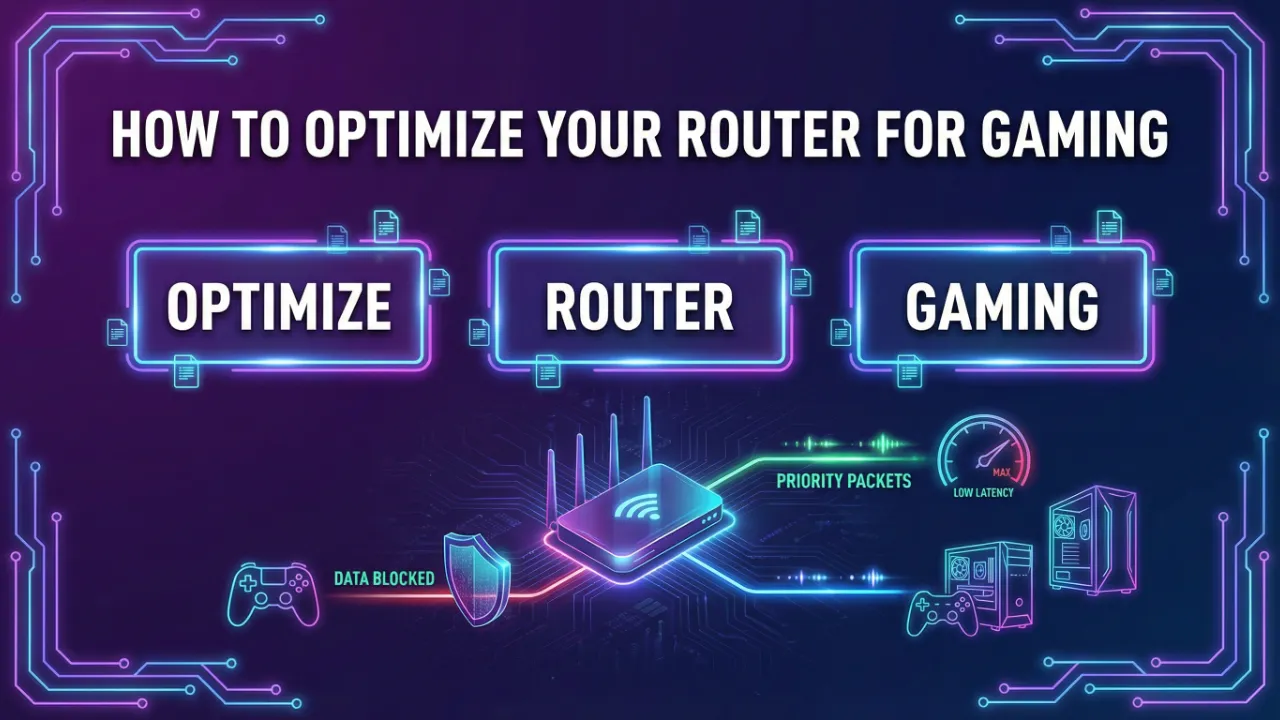
In this ultimate 2026 guide, we will dive deep into how to optimize your router for gaming to ensure a lag-free, low-latency experience.
The Problem: Why Your Router is Killing Your K/D Ratio
In the world of competitive gaming, every millisecond counts. Standard ISP routers are designed for general web browsing and Netflix streaming, not for the high-frequency data packets required by modern titles like Valorant, Warzone, or Apex Legends. When multiple devices share the same network, your gaming packets often get stuck in a “traffic jam,” leading to what experts call bufferbloat. This results in high latency (ping) and packet loss, making competitive play nearly impossible.
Step 1: Wired vs. Wireless – The Golden Rule
Before touching any settings, the single most impactful change you can make is switching to a wired Ethernet connection. Even with Wi-Fi 7 technology becoming more common in 2026, wireless signals are still prone to interference from walls, other electronics, and even your neighbor’s router. A Cat6 or Cat8 Ethernet cable provides a dedicated, stable highway for your data, virtually eliminating jitter and reducing ping by 10-20ms on average.
Step 2: Quality of Service (QoS) Settings
Quality of Service (QoS) is a router feature that allows you to prioritize specific types of traffic. By enabling QoS and setting your gaming console or PC as the highest priority device, your router will ensure that gaming data is processed before anything else. This means even if someone else in the house is streaming 4K video, your gaming packets will jump to the front of the line.
Step 3: Choosing the Best DNS for Gaming
While DNS doesn’t directly affect your in-game ping (which is determined by the route to the game server), it significantly impacts how quickly your system “finds” and connects to those servers. Switching from your ISP’s default DNS to faster providers like Cloudflare (1.1.1.1) or Google (8.8.8.8) can improve connection stability and speed up lobby loading times.
Step 4: Update Your Router Firmware
Manufacturers frequently release firmware updates to patch security vulnerabilities and, more importantly, optimize network performance. An outdated router is an inefficient router. Log into your router’s admin panel (usually 192.168.1.1 or 192.168.0.1) and check for updates. In 2026, many modern gaming routers like those from ASUS or Netgear offer auto-update features—ensure these are enabled.
Advanced Optimization: UPnP and Port Forwarding
To achieve an “Open NAT” type, which is crucial for hosting lobbies and seamless matchmaking, you should look into UPnP (Universal Plug and Play) or Port Forwarding. Port forwarding opens specific communication “doors” for your game, allowing data to flow more freely. Check your game’s official support page for the specific port numbers required.
Conclusion
Optimizing your router isn’t just about speed; it’s about consistency. By following these steps—using Ethernet, configuring QoS, and keeping your firmware updated—you can transform a standard home network into a professional-grade gaming environment. Don’t let your hardware hold you back from your true potential. Optimize today and start winning.

One thought on “How to Optimize Your Router for Gaming: The Ultimate 2026 Guide”