
Skip to content
OptiLag

OptiLag

  • Optimization
  • Lag fixes
  • Gaming
  • Windows 10
  • Softwares
  • Mods
  • GTA
    • GTA 4
    • Lag fixes
    • GTA 5
    • Graphics Mods
    • GTA 5 Mods

Bottleneck fix

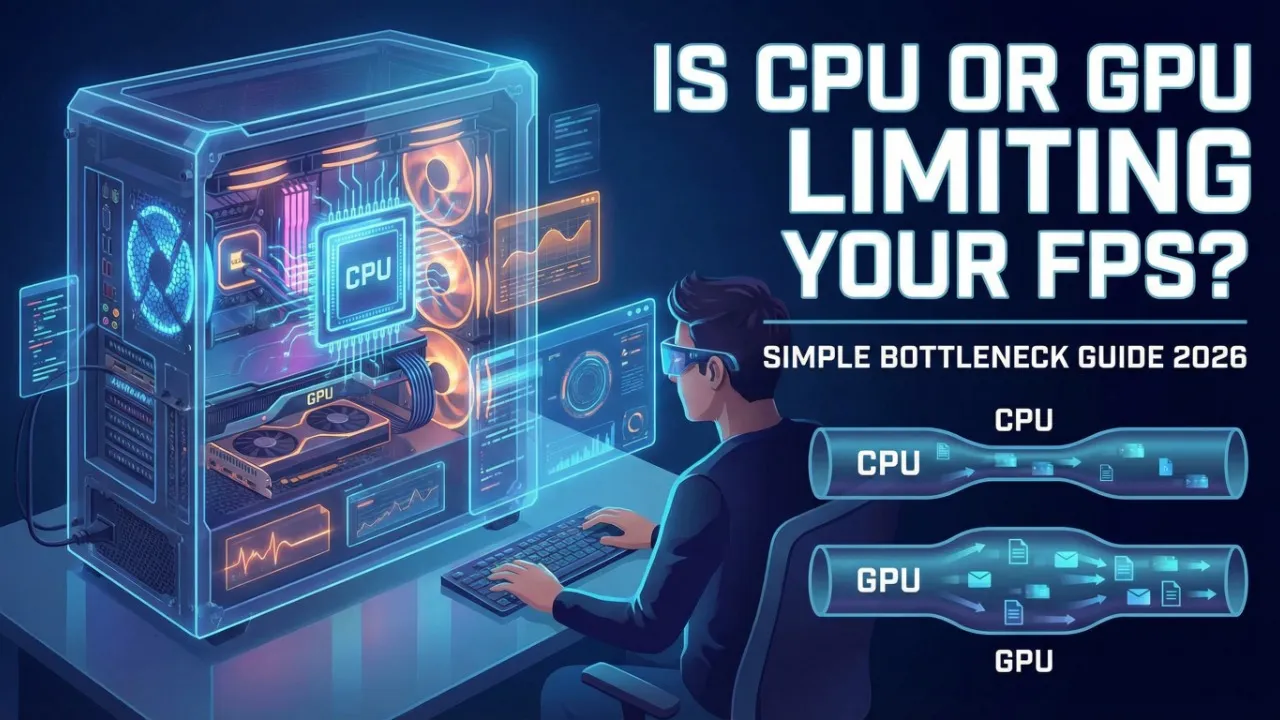
Is CPU or GPU Limiting Your FPS? Simple Bottleneck Guide 2026
April 13, 2026 by Optiman
FIX CPU or GPU Limiting issue

Not sure if your CPU or GPU is the bottleneck killing your FPS? This simple guide shows you exactly how to check, identify, and fix CPU or GPU bottlenecks in any PC game in 2026. You’re in the middle of a game and your FPS feels lower than it should. You’ve tried tweaking settings, but … Read more

Categories Optimization, Game Guides, How to Tags Bottleneck fix, fps boost Leave a comment

Popular

Top Guides

1
GTA 4 FPS Boost Tweak + Graphics Improvement
342.5k views
2
How to Fix All Common Errors in PC Games
289.1k views
3
DXVK lag fix for GTA 4 - Smooth Performance
215.8k views
4
GTA 4 FPS Boost Zip Download Guide
176.3k views
5
GTA 4 DXVK + FullScreen & ZolikaPatch Fix
144.9k views
  • GTA 6 PS5 Best Settings: Change These 10 Before You Play (2026)
  • How to Turn GTA 5 into GTA 6 with 8 Mods (Low End PC, No Graphics Card)
  • 10 GTA 6 Features GTA 5 Never Had (From the Trailer and Extended Look)
  • Modern Warfare 4 DLSS Settings Guide: Best Graphics and FPS on NVIDIA RTX (Free Downloads)
  • How to Download and Install FusionFix 5.1 for GTA 4 (Huge FPS Boost)
  • Antivirus
  • Apex Legends
  • Comparisons & Reviews
  • CS:GO
  • Editing Software
  • Fixes
  • Fortnite
  • Game Guides
  • Game Lag fixes
  • Gaming
  • Graphics Mods
  • GTA 4
  • GTA 5
  • GTA 5 Mods
  • GTA 6
  • GTA San Andreas
  • GTA Vice City
  • How to
  • Internet Fix
  • Lag fixes
  • Mods
  • Network Fix
  • Optimization
  • OS Tweaks
  • PC games
  • Ping Fixes
  • Realism Mods
  • ROBLOX
  • Softwares
  • Tools
  • Tutorials
  • Uncategorized
  • Valorant
  • Windows
  • Windows 10
  • Windows 11
  • Youtube
© 2026 OptiLag • Built with GeneratePress