

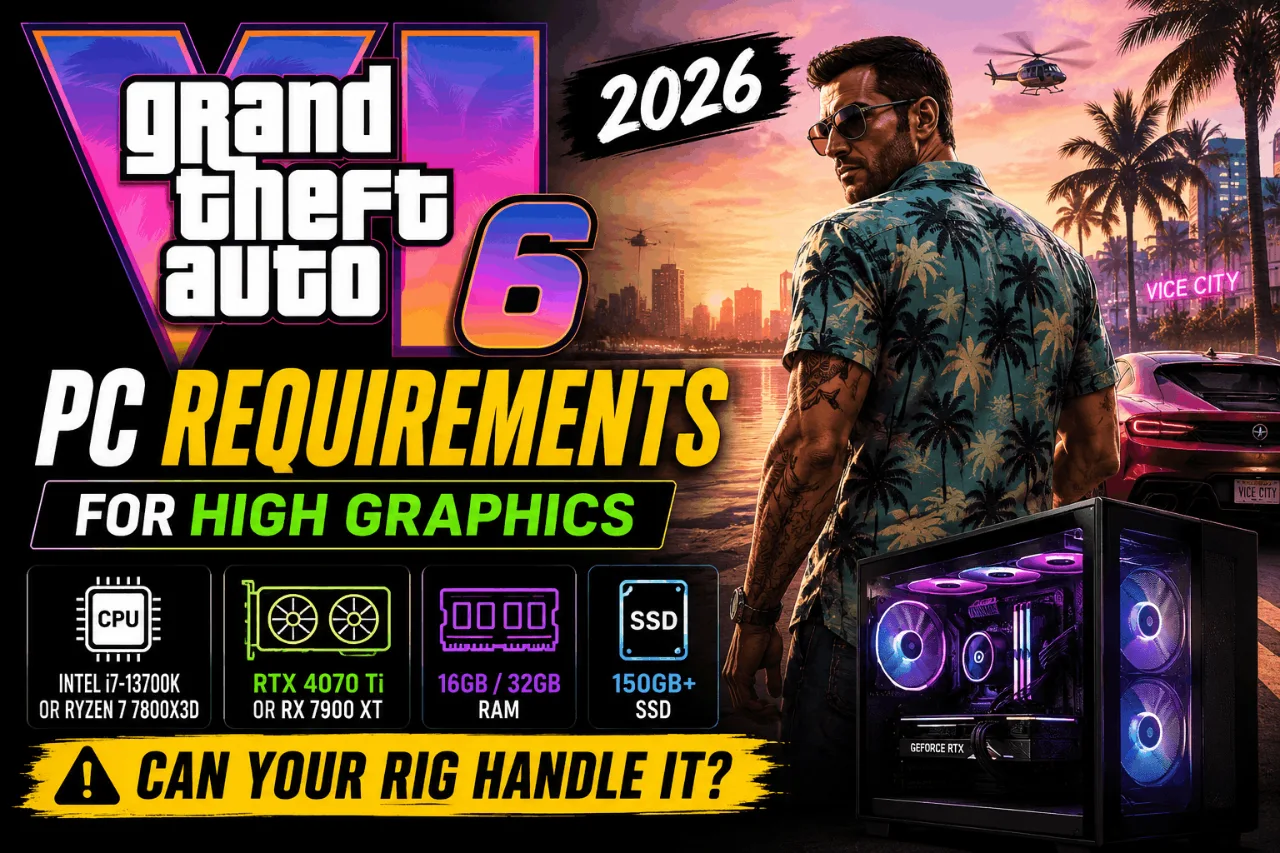
So GTA 6 is finally happening — and if you’re a PC gamer, you’re probably staring at your setup right now wondering if it’s going to hold up. You’re not alone. The GTA 6 PC requirements for high graphics have been the most-searched topic in the gaming hardware world for a reason: Rockstar doesn’t mess around when it comes to pushing your machine to its absolute limits.
We’ve seen it before. Red Dead Redemption 2 dropped in 2019 and brought even high-end rigs to their knees. GTA 6 runs on a completely overhauled version of that same engine — called RAGE 9 — and everything we’ve seen in the trailers and leaks points to this being the most demanding open-world PC game ever made. Dense NPC crowds, real-time global illumination, ocean-level water physics, and a Vice City map that’s reportedly the largest Rockstar has ever built.
So before you hit that download button, let’s figure out exactly what your PC needs to actually run this game the way it’s meant to be seen.
What Makes GTA 6 So Demanding on PC Hardware?
Before we get into the spec tables, it’s worth understanding why GTA 6 needs so much horsepower. This isn’t just another remaster or a game with a fresh coat of paint.
The RAGE 9 engine is doing three things simultaneously that will seriously stress your PC: density simulation (an unprecedented number of NPCs, cars, and distinct animations on screen at once), global illumination (lighting that bounces realistically off wet pavement and car hoods in real-time), and complex water physics for Vice City’s ocean environments.
Every pedestrian walking down the street, every car changing lanes, and every police AI reaction is being calculated by your processor in real time. If your CPU is too weak, it doesn’t matter if you have an RTX 4090 — your game will lag in busy city centers. That’s a hard truth that a lot of people overlook when they focus purely on the GPU.
GTA 6 PC System Requirements: Full Spec Table (2026 Estimates)
Note: Rockstar has not officially confirmed PC system requirements as of May 2026. The specs below are based on expert analysis of the RAGE 9 engine, console hardware specs, trailer footage breakdowns, and comparison with RDR2’s PC requirements. Treat these as planning guidance — not confirmed specs.
| Tier | Resolution / FPS | CPU | GPU | RAM | Storage |
|---|---|---|---|---|---|
| Minimum | 1080p / 30 FPS (Low) | Intel Core i7-8700K / AMD Ryzen 5 3600 | NVIDIA RTX 2070 / AMD RX 5700 XT | 16 GB DDR4 | 150 GB SSD |
| Recommended | 1440p / 60 FPS (High) | Intel Core i7-12700K / AMD Ryzen 7 5800X | NVIDIA RTX 4070 / AMD RX 7800 XT | 32 GB DDR4/DDR5 | 150 GB NVMe SSD |
| Ultra / 4K | 4K / 60 FPS (Ray Tracing) | Intel Core i9-14900K / AMD Ryzen 7 7800X3D | NVIDIA RTX 4090 / RTX 5080 | 64 GB DDR5 | 150 GB Gen 4 NVMe SSD |
GPU Requirements — What Graphics Card Do You Actually Need?
This is the component most people obsess over, and for good reason. The GPU is doing the majority of the visual heavy lifting in GTA 6.
VRAM Is the New Bottleneck
Modern open-world titles with high-resolution textures are hungry for VRAM. If your card only has 8GB (like the RTX 3070 or older cards), you might struggle to run textures on “High” without severe stuttering. Aim for 12GB of VRAM minimum if you’re buying a new GPU for GTA 6.
This is a big deal, and it’s why the RTX 4060 — despite being a fast card — might not be the dream option you’d hope for at high settings.
Can the RTX 4060 Run GTA 6 at High Settings?
The RTX 4060 (8GB) is the most popular card on Steam right now, and the verdict is: yes, but with compromises. You’re looking at 1080p on a Medium/High mix, and you’ll likely need to turn Texture Quality down to “Medium” to avoid stuttering. DLSS 3 Frame Generation will be essentially mandatory to hit a stable 60 FPS on this card.
In short — the RTX 4060 gets you in the door, but it won’t give you the full high-graphics experience without some compromises.
The Sweet Spot: RTX 4070 Super / RX 7800 XT
For 1440p on high settings, aim for an RTX 4070 or RX 7800 XT. These cards hit the sweet spot of price and performance for 2026, running games at 1440p on high or ultra settings with steady 60+ FPS and solid ray tracing performance.
4K Ultra: What You Need
For proper 4K gaming with ray tracing enabled, you’re looking at an RTX 4080 or RX 7900 XTX with 32GB of RAM as the baseline for that tier. Anything less and you’ll be making significant compromises.
CPU Requirements — Don’t Ignore the Processor
This is where a lot of GTA 6 hardware guides go wrong — they spend 80% of their time on the GPU and barely mention the CPU. In an open-world game like GTA 6, that’s backwards thinking.
Why GTA 6 Is CPU-Bound
Quad-core CPUs are effectively dead for AAA gaming in 2026. Aim for a minimum of 8 cores. AMD’s X3D chips, like the Ryzen 7 7800X3D, are the gold standard if you’re building a PC specifically for this game, because their large L3 cache handles complex open-world simulations exceptionally well.
In GTA 6, things like NPC behavior, traffic systems, and physics mostly rely on your processor. The AMD Ryzen 7 7800X3D is a top pick for open-world games in 2026 because its large L3 cache handles complex simulations really well.
Budget CPU Option That Still Works
If you’re not ready to drop money on an X3D chip, the Intel Core i5-13600KF hits an excellent balance of performance and price. It won’t be quite as smooth in the densest city scenes, but it holds up well for the recommended tier.
RAM Requirements for GTA 6 High Graphics
How Much RAM Do You Need?
The estimate for smooth GTA 6 performance is a 6–8 core CPU, 16GB RAM (with 32GB being ideal), an SSD, and a GPU like the RTX 3060 or RX 6600 for 1080p gameplay.
For high or ultra settings, 32GB is the realistic answer. With 16GB you’ll be fine at medium settings, but texture streaming in large open-world areas can push RAM usage hard when everything is cranked up.
DDR5 vs DDR4 — Does It Matter?
For the recommended tier build, DDR4 at 3200MHz or 3600MHz is perfectly sufficient. If you’re going for the 4K ultra tier, DDR5 helps — but it won’t be the difference between running and not running the game.
Storage — Why an SSD Is Non-Negotiable
One of the most overlooked GTA 6 PC requirements is storage speed, and this isn’t optional.
GTA 6 streams the open world in real time as you move through it — especially at high speeds. At minimum, use a Gen 3 NVMe SSD. Gen 4 or Gen 5 NVMe drives will give you smoother texture loading and faster load times, which is especially helpful if you play with higher graphics settings.
Running GTA 6 off a traditional spinning hard drive will cause constant texture pop-in, load stutters, and delayed asset loading — even if your GPU and CPU are powerful enough. A 500GB+ NVMe SSD is the absolute floor here.
Considering GTA 5 already weighs in at over 100 GB, and with open-world size scaling up dramatically, GTA 6 is expected to require at least 150–200 GB of free storage. Clear some space in advance.
Step-by-Step — How to Check If Your PC Can Run GTA 6 at High Graphics
Not sure where your current setup stands? Here’s a simple process to figure it out.
Step 1: Identify Your Current Hardware
Press Win + R, type dxdiag, and hit Enter. This opens the DirectX Diagnostic Tool, which shows your CPU, total RAM, and operating system. For your GPU, open Device Manager or check GPU-Z (a free tool).
Step 2: Compare Against the Tier Table
Match your specs against the Minimum, Recommended, and Ultra tiers in the table above. Be honest — don’t round up. If your GPU has 8GB of VRAM, it doesn’t count as a 12GB card.
Step 3: Identify Your Weakest Link
In most mid-range builds from 2020–2022, the GPU is usually the bottleneck for high graphics. In older budget builds, it’s often both the CPU and GPU. Pinpointing this tells you where to upgrade first.
Step 4: Check Driver and OS Compatibility
Make sure you’re on Windows 10 or Windows 11 (64-bit) with up-to-date GPU drivers. Rockstar typically requires DirectX 12 for modern graphics features, so an old driver version can hurt performance significantly before you’ve even touched the in-game settings. Check out our guide on Windows 11 gaming tweaks to squeeze extra performance before GTA 6 even launches.
Step 5: Plan Your Upgrade Path
If you’re upgrading only one component, the GPU almost always gives the biggest visual improvement. But if your CPU is below the 8-core threshold, no GPU upgrade will fix the lag you’ll experience in downtown Vice City.
Best PC Build Tiers for GTA 6 High Graphics
Budget Build — 1080p High Settings (~₹50,000 / ~$600)
This targets smooth 60 FPS at 1080p with high settings using DLSS.
- CPU: AMD Ryzen 5 5600X
- GPU: NVIDIA RTX 3060 12GB
- RAM: 16GB DDR4 3200MHz
- Storage: 500GB Gen 3 NVMe SSD
Check out our full breakdown of the best PC build for GTA 6 under ₹50,000 in India for a detailed parts list.
Mid-Range Build — 1440p High/Ultra (~₹1,00,000 / ~$1,100)
- CPU: AMD Ryzen 7 7800X3D
- GPU: NVIDIA RTX 4070 Super (12GB)
- RAM: 32GB DDR5
- Storage: 1TB Gen 4 NVMe SSD
High-End Build — 4K Ultra + Ray Tracing (~$2,000+)
- CPU: Intel Core i9-14900K or AMD Ryzen 9 7950X3D
- GPU: NVIDIA RTX 4090 or RTX 5080
- RAM: 64GB DDR5
- Storage: 2TB Gen 4/Gen 5 NVMe SSD
GTA 6 Graphics Settings Explained
Once you’re in the game, not all settings are created equal. Some settings destroy FPS for barely visible improvements. Here’s a rough breakdown of what to prioritize:
High Impact (Expensive on GPU):
- Ray Tracing (turn off on 8GB VRAM cards)
- Reflection Quality
- Shadow Distance
- Ambient Occlusion
Medium Impact:
- Texture Quality (limited by VRAM)
- Anisotropic Filtering
- Depth of Field
Low Impact (Barely Noticeable at a Glance):
- Grass Density
- Post-Process Anti-Aliasing
- Motion Blur
If you’re chasing high FPS, turn off ray tracing first and drop shadows to “High” rather than “Ultra.” You’ll recover 15–25% performance on most mid-range GPUs.
For more tips on squeezing frames, check our guide on how to fix FPS drops in games and our breakdown of Nvidia and AMD FPS settings to dial in your control panel before launch day.
Download Tools to Prepare Your PC for GTA 6 Now
While we wait for the PC launch, there are a few tools worth getting installed on your system to make sure you’re in the best shape possible.
GPU-Z — Monitor VRAM usage and GPU temps in real time.
HWiNFO64 — Full system hardware monitoring, useful to check if your CPU or GPU is thermal throttling before the game drops.
CrystalDiskMark — Test your SSD speed to make sure your storage is fast enough for GTA 6’s streaming requirements.
When Is GTA 6 Coming to PC?
This is the big question, and unfortunately there’s no perfectly clean answer yet.
Rockstar has not officially announced a GTA 6 PC release date. Based on GTA V (19 months after console launch) and Red Dead Redemption 2 (12 months after console), the PC version is generally expected in late 2027 or early 2028 — roughly one year after the November 19, 2026 console launch.
That actually gives PC players an advantage: you have more time to upgrade, more time to save money, and by the time the PC port drops, the RTX 5000 series will be in full swing with better driver support and potentially better pricing on 4000-series cards.
Use that window wisely.
Wrapping Up: Is Your PC Ready for GTA 6 High Graphics?
Here’s the honest summary:
If you’re on an 8-core CPU with 16GB of RAM and an RTX 3070 or better, you’re in a solid position for 1080p high settings. For 1440p at a smooth 60 FPS with high or ultra settings, you’re looking at an RTX 4070 class GPU paired with a Ryzen 7 5000 or 13th/14th Gen Intel chip. And for 4K ultra with ray tracing, you need a top-tier build — full stop.
The single most important upgrade you can make right now? If you’re still on a GPU with 8GB of VRAM, start saving for a 12GB card. That VRAM ceiling is going to be the most common bottleneck when GTA 6 PC arrives.
While you’re preparing, don’t sleep on system-level optimization. A well-tuned Windows 11 install can make a noticeable difference in how consistently your frames hold. Check out our 5 Windows optimizations for gaming performance in 2026 for a quick pre-GTA-6 tune-up.
Got questions about whether your specific build can handle it? Drop a comment below and we’ll help you figure out your best upgrade path.
Disclaimer: The tips, mods, and tools shared on this site are for informational purposes only — results may vary depending on your PC hardware and software configuration. OptiLag is not responsible for any data loss, system instability, or damages that may arise from following the guides or downloading third-party files.
