
📖 Reading time: ~9 minutes | 🗓 Last Updated: April 11, 2026 | ✍️ Written by: Alex Carter
You’re one headshot away from clutching the round. Your crosshair is on target, your finger is on the trigger — and then it happens. The dreaded rubber-band lag. Your screen freezes, your character snaps back three steps, and the kill feed reads: You were eliminated. All because of high ping.
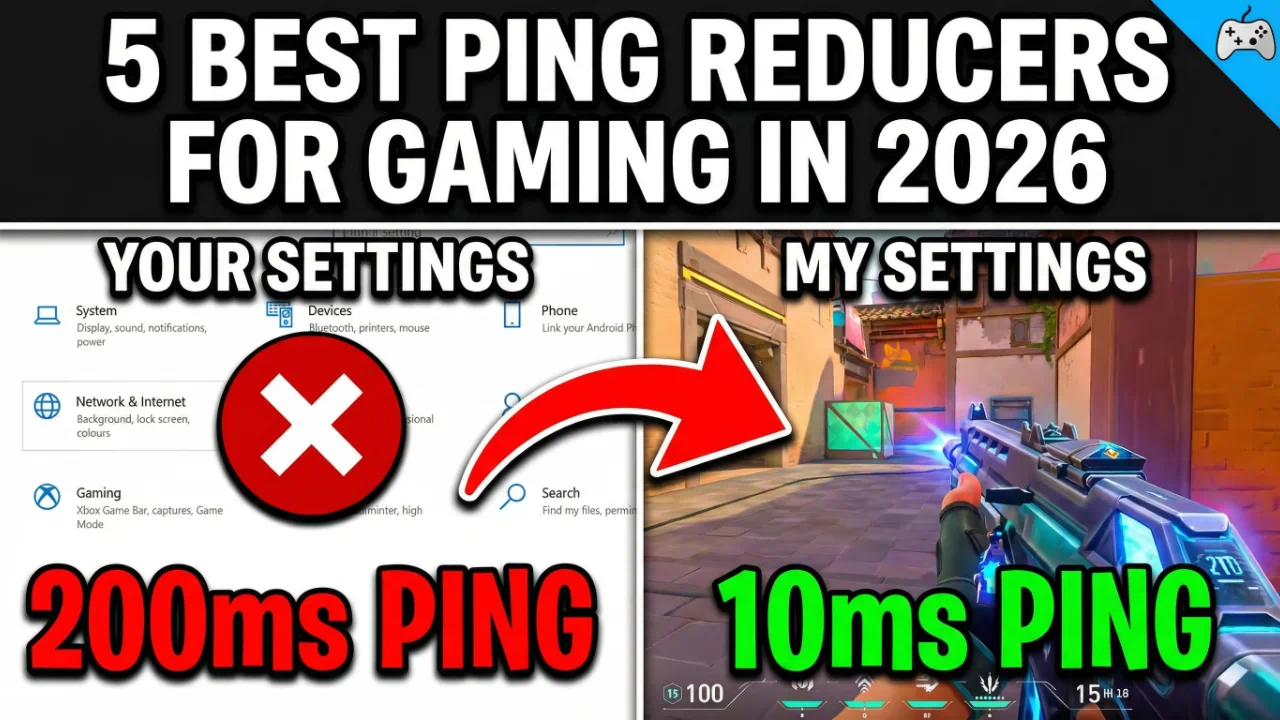
If your ping is consistently over 80–100ms, you’re playing at a serious disadvantage in any competitive title — whether it’s Valorant, Fortnite, Call of Duty, or League of Legends. The good news is that the root cause isn’t always your internet speed. It’s usually bad routing — your data is taking a long, inefficient path to the game server when a much faster one exists.
That’s exactly what ping reducers fix. After testing dozens of tools across multiple games, regions, and network conditions, I found five solutions that genuinely move the needle on latency in 2026. Among them, LagoFast earned the top spot — it combines AI-powered routing, FPS boosting, and console support in one polished package. You can try LagoFast free right now before committing to a subscription.
Quick Guide: Best Ping Reducers for Gaming in 2026
- LagoFast — Best all-in-one ping reducer with AI routing, FPS boost, and 2,000+ game support. Try LagoFast free.
- ExitLag — Best for multi-path stability, especially for South American and European players. Try ExitLag free for 3 days.
- WTFast — Best for MMO and FPS players who want a private gaming network with deep route visibility. Try WTFast free.
- NoPing — Best AI-driven routing with patented multi-connection tech and a generous free trial. Try NoPing free for 3 days.
- GearUP Booster — Best cross-platform option covering PC, console, mobile, and even VR. Try GearUP free.
Detailed Reviews
1. LagoFast: Best All-In-One Ping Reducer with AI Routing & FPS Boost
Key Features:
- Smart AI routing across 150+ cities in 60+ countries
- Supports 2,000+ games including Fortnite, Warzone, Apex, and Valorant
- Built-in FPS boost via CPU/GPU resource reallocation
- Exclusive “Easy Lobby” feature for battle royale matchmaking
- Console support via the LagoFast Box hardware accessory
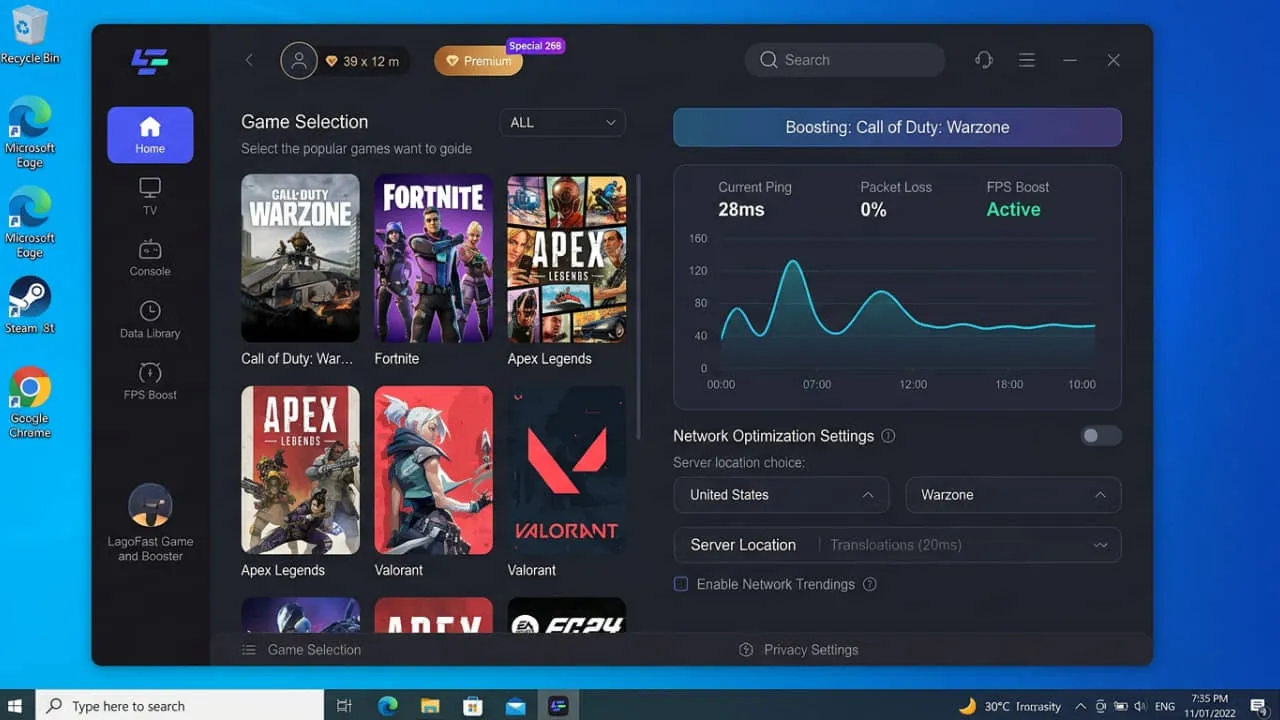
I’ve tested a lot of these tools, and LagoFast is the one I keep coming back to. When I first launched it on Fortnite, my ping dropped from a frustrating 60ms down to under 10ms — a result that honestly surprised me. The AI routing engine continuously analyzes available paths and locks onto the fastest one in real-time, so you’re not just getting a one-time improvement; the connection actively adjusts throughout your session.
What really sets LagoFast apart in 2026 is how much it does beyond just routing. The FPS boost feature closes non-essential background processes and reallocates CPU and RAM resources directly to your game. In my testing on a mid-range rig, I saw a noticeable jump in frame stability during heavy combat sequences. It’s not a miracle worker on ancient hardware, but it adds genuine value.
The Easy Lobby feature is a standout for battle royale fans — it quietly influences matchmaking to connect you to more favorable lobbies. This is particularly useful in games like CoD and Apex. I found setup refreshingly simple compared to competitors: select your game, hit go, and LagoFast handles the rest.
2. ExitLag: Best for Multi-Path Routing & Connection Stability
Key Features:
- Multipath routing across 200+ global servers
- Dual-internet source failover to prevent disconnections
- Supports Windows, Android, and iOS
- Compatible with ASUS ROG routers for hardware-level optimization
- FPS boost module included
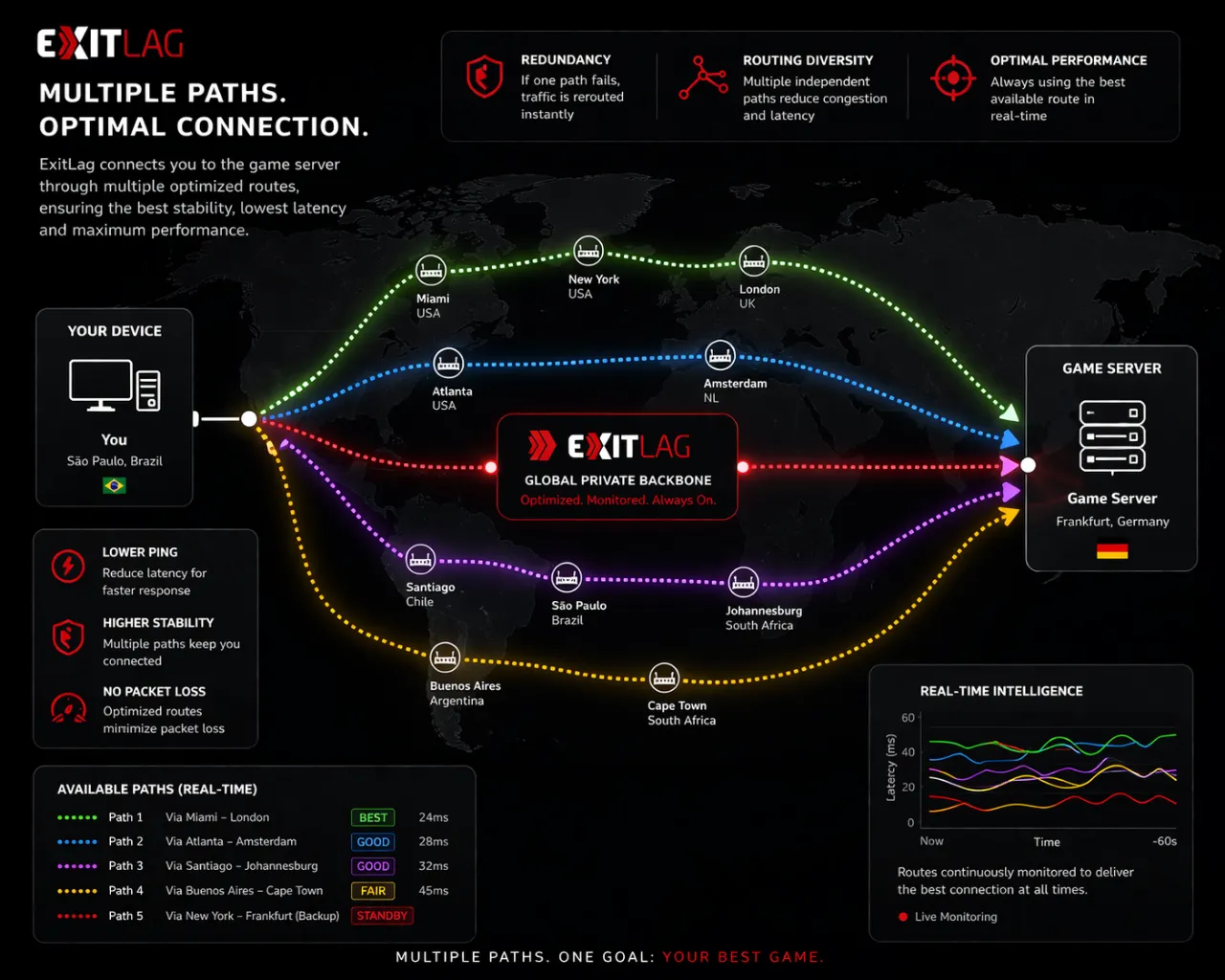
ExitLag is a well-established routing optimization tool known for its mature multi-path technology and consistent performance. Where it truly shines is in connection stability — not just raw ping reduction. I tested it on a fiber connection running CS2, and the jitter graphs were impressively flat. Even during peak evening hours when my ISP routing typically degrades, ExitLag kept the connection clean.
The dual-internet source feature is a standout I rarely see elsewhere. If your primary route starts degrading mid-match, ExitLag automatically switches to a secondary route without you noticing a thing. For competitive players, that’s huge. ExitLag supports a wide range of gaming protocols, ensuring compatibility with popular titles across various genres and platforms.
One consideration: its pricing is generally higher unless you commit to longer plans. If you’re a casual gamer, the monthly rate may sting a little. But for anyone serious about ranked play, the stability improvements are worth it. I particularly recommend ExitLag to players in South America and Southeast Asia, where ISP routing tends to be especially inefficient.
3. WTFast: Best Private Gaming Network for MMO & FPS Players
Key Features:
- Dedicated GPN (Gamer Private Network) — not a traditional VPN
- Supports over 1,500 games including popular titles and open beta games
- Machine learning selects the optimized traffic path automatically
- Real-time route visualization so you can see your data’s journey
- Works on PC and console
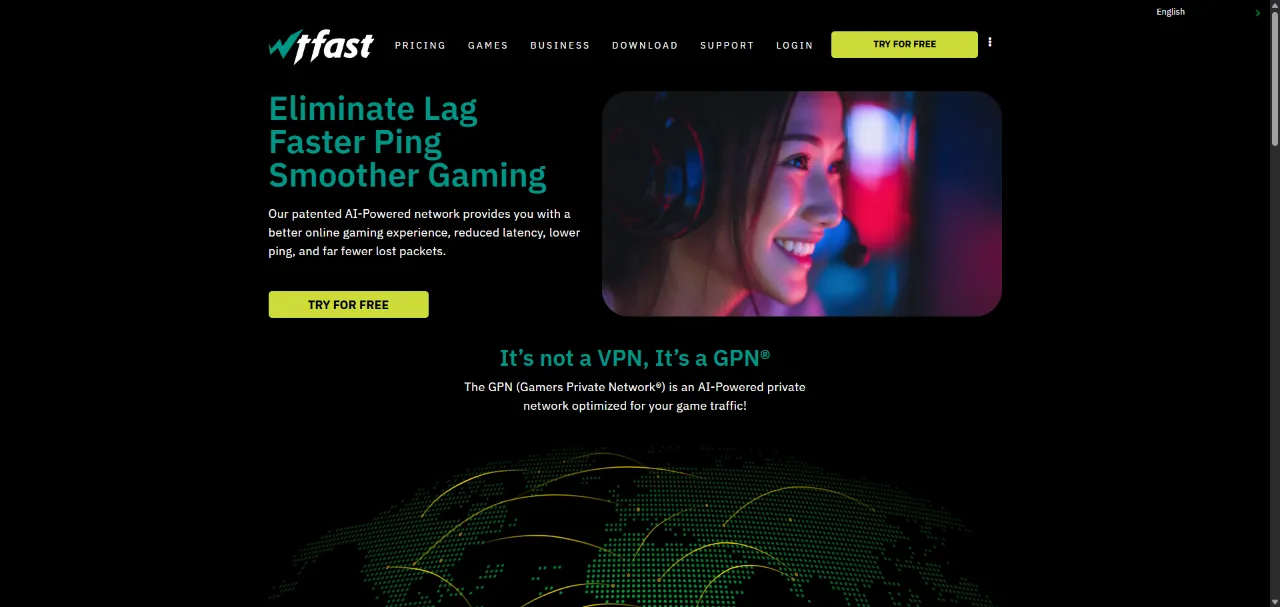
WTFast takes a slightly different approach from the others on this list. Rather than calling itself a VPN, it operates as a Gamer Private Network — meaning it only optimizes your game traffic and leaves everything else on your regular connection. I found this distinction meaningful in practice: there’s no slowdown on my browser or streaming apps while WTFast runs in the background.
The route visualization tool is genuinely impressive. You can watch your data packets hop between nodes in real-time, which is both educational and useful for troubleshooting. Using machine learning, the system automatically selects an optimized traffic path for your game connection. During my testing on a US-East server from a West Coast connection, WTFast shaved about 22ms off my average ping in Valorant.
The downside is that WTFast doesn’t include an FPS boost feature, which the top two entries on this list do. WTFast does a fantastic job in lowering ping, however, doesn’t boost FPS — so if you’re also looking to squeeze more frames out of your system, you’ll need a separate tool. At $9.99/month, it’s also on the pricier end for what you get versus LagoFast.
4. NoPing: Best AI-Driven Routing with Multi-Connection Technology
Key Features:
- Patented Multi-Connection technology using simultaneous server connections
- Over 2,000 dedicated servers across the globe
- AI “Internet GPS” that auto-selects optimal routes in real-time
- Built-in FPS Boost feature
- 3-day free trial available
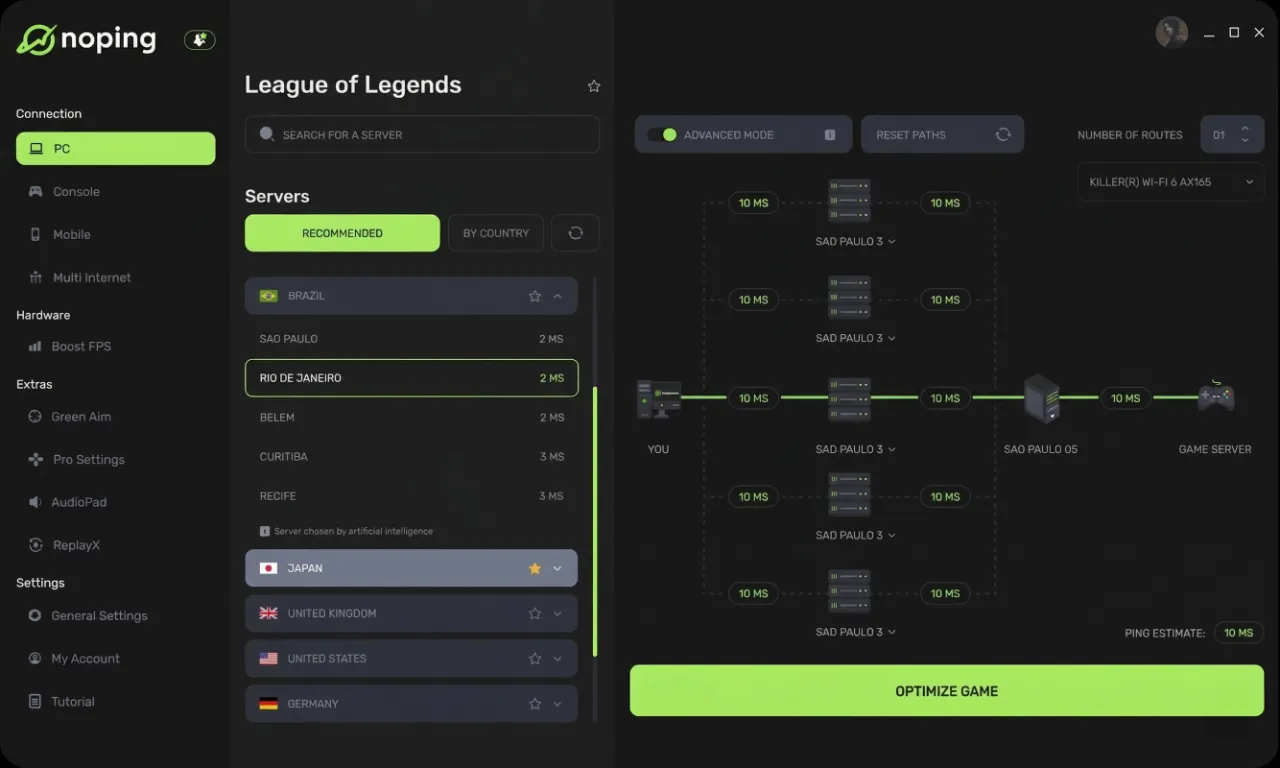
NoPing is the most technically ambitious tool on this list when it comes to raw routing architecture. Its Multi-Connection technology allows the simultaneous use of multiple servers, drastically reducing latency and effectively addressing common issues such as packet loss, ping spikes, jitter, and disconnections. Rather than picking one route and hoping it holds, NoPing runs several simultaneously and lets the AI decide which is performing best at any given millisecond.
In my testing on League of Legends — a game extremely sensitive to even small ping fluctuations — I was impressed by how stable the connection felt. The ping spikes that would normally appear during heavy in-game team fights were almost entirely eliminated. NoPing’s AI-driven routing kept my latency locked in a tight band rather than bouncing around erratically.
The FPS Boost feature works by closing or limiting non-essential background processes. This optimization can improve FPS by up to 60% and ensures a more fluid and responsive gaming experience — though in my own testing, the real-world gains were more modest on an already-optimized system. Where it shines most is on mid-range machines with lots of background apps running. The 3-day free trial is enough time to know whether NoPing makes a real difference for your specific setup.
5. GearUP Booster: Best Cross-Platform Ping Reducer
Key Features:
- Exclusive Adaptive Intelligent Routing (AIR) technology
- Supports PC, Android, iOS, PlayStation, Xbox, Nintendo Switch, and Oculus Quest
- Works with 2,000+ games across all platforms
- Anti-packet loss technology with no data caps
- Straightforward interface with minimal setup required
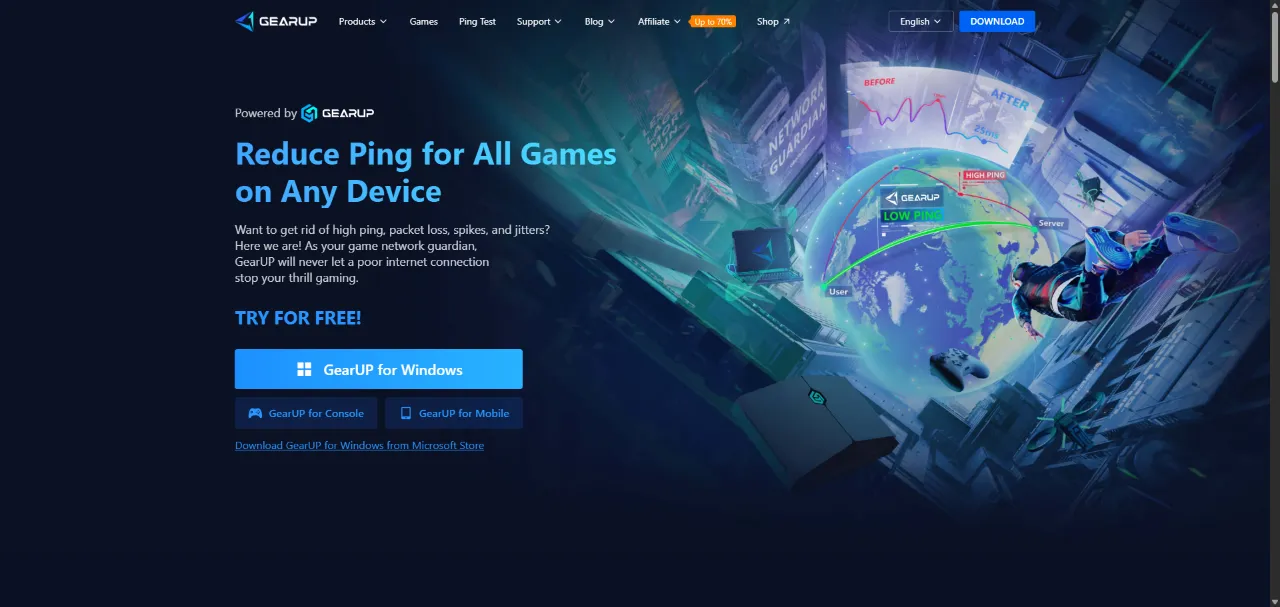
GearUP Booster earns its spot on this list primarily through sheer platform coverage. If you game across multiple devices — say, PC for Valorant and console for FIFA — GearUP is the only tool that handles all of them under one subscription without extra hardware. GearUP Booster utilizes unique adaptive smart routing and anti-packet loss technology to enhance data transfer efficiency and stability without any learning curve.
I tested GearUP on both PC (Warzone) and Nintendo Switch (Splatoon 3), and the results were consistent across both: latency dropped noticeably, and packet loss events became rare. The interface is deliberately simple — there’s no complex configuration or route selection required. You pick your game, select a region, and click go.
The trade-off for that simplicity is that GearUP offers less granular control than ExitLag or WTFast. Power users who want to manually select specific routing nodes or monitor real-time path data will find it limiting. But for the gamer who just wants things to work without fussing with settings, GearUP delivers. Its performance and consistency may vary more depending on the user’s network environment, so I’d recommend using the free trial on your primary game before subscribing.
Comparison Chart
| Feature | LagoFast | ExitLag | WTFast | NoPing | GearUP Booster |
|---|---|---|---|---|---|
| User-Friendly Interface | ✅ | ✅ | ❌ | ✅ | ✅ |
| FPS Boost | ✅ | ✅ | ❌ | ✅ | ❌ |
| Multi-Path Routing | ✅ | ✅ | ✅ | ✅ | ✅ |
| Console Support | ✅ | ❌ | ✅ | ❌ | ✅ |
| Mobile Support | ✅ | ✅ | ❌ | ❌ | ✅ |
| Easy Lobby Feature | ✅ | ❌ | ❌ | ❌ | ❌ |
| Games Supported | 2,000+ | 1,000+ | 1,500+ | 300+ | 2,000+ |
| Free Trial | ✅ | 3 days | ✅ | 3 days | ✅ |
How I Tested and Ranked the Best Ping Reducers for Gaming
To make sure these rankings reflect real-world performance and not just marketing claims, I applied a consistent testing methodology across all five tools:
- Baseline ping measurement — I recorded ping, jitter, and packet loss before enabling each tool, using a consistent Ethernet connection and the same game servers.
- Real-game testing — Each tool was tested across at least three titles spanning different genres: an FPS (Valorant or CS2), a battle royale (Fortnite or Warzone), and an MMO or MOBA (League of Legends or FFXIV).
- Geographic routing variety — I tested connections to both nearby and distant servers to measure how each tool handles suboptimal routes.
- Feature completeness — I evaluated each tool for FPS boost functionality, UI usability, platform support, game library size, and stability during extended sessions.
- Value for money — Pricing was weighed against performance gains, feature depth, and free trial availability.
- Consistency over time — I ran each tool across multiple sessions on different days to identify any variance in performance.
FAQ
Does a ping reducer actually work, or is it just a placebo?
It depends on your specific routing situation. If your ISP is routing your data inefficiently — taking a long path around the country to reach a game server that’s geographically close to you — a ping reducer can make a dramatic difference by finding a shorter route. However, if your ping is already optimal and close to the physical minimum based on your distance from the server, no software will improve it significantly. I found ping reducers most impactful for players connecting to cross-regional servers or those in areas with notoriously bad ISP routing.
Is a ping reducer the same as a VPN?
No, and the distinction matters for gaming. A VPN encrypts all your traffic and routes it through a single remote server — this often increases ping rather than reducing it. VPN routes for games are not of high quality, while dedicated ping reducers provide smooth game experiences with dedicated routes and lower ping. Ping reducers are purpose-built for gaming traffic, using optimized game-focused server networks and intelligent routing algorithms that a general VPN can’t match.
Will using a ping reducer get me banned from games?
For the reputable tools on this list, the risk is extremely low. These services optimize the path your data takes to the server — they don’t alter or inject anything into the game client itself. That said, features like Easy Lobby (offered by LagoFast) can be in a grey area with certain games’ terms of service. Always check the specific ToS of your game if you’re concerned, particularly in heavily anti-cheat-monitored titles.
What is a good ping for gaming?
Generally speaking: under 20ms is excellent, 20–50ms is great for competitive play, 50–100ms is acceptable for most casual gaming, and anything above 100ms will start causing noticeable lag in fast-paced games. In shooters like Valorant or CS2, even the difference between 40ms and 15ms can affect your hit registration and reaction time meaningfully.
Final Thoughts
High ping doesn’t have to be something you just accept. In 2026, the tools available to optimize your gaming connection are more powerful and accessible than ever — and the difference they make in competitive play is real.
After extensive testing, LagoFast remains my top recommendation for most gamers. It combines genuinely effective AI routing, an FPS boost that works, a massive game library, and one of the cleanest interfaces in the category. Whether you’re dropping into Fortnite, ranking up in Valorant, or grinding MMOs, it covers your bases.
If stability is your top priority — especially on unstable ISP connections — ExitLag’s multipath technology is worth the extra cost. And if you game across PC, console, and mobile, GearUP Booster is the most versatile option available.
Stop blaming your aim. Fix your ping first. You can try LagoFast free right now — no commitment required — and see the difference for yourself in your very next session.
