

Is your PC feeling sluggish in 2026? Whether you are a hardcore gamer or a power user, keeping your system lean is essential for peak performance. While Windows 11 has improved its built-in maintenance, third-party free PC optimization software still offers deeper cleaning and more granular control.
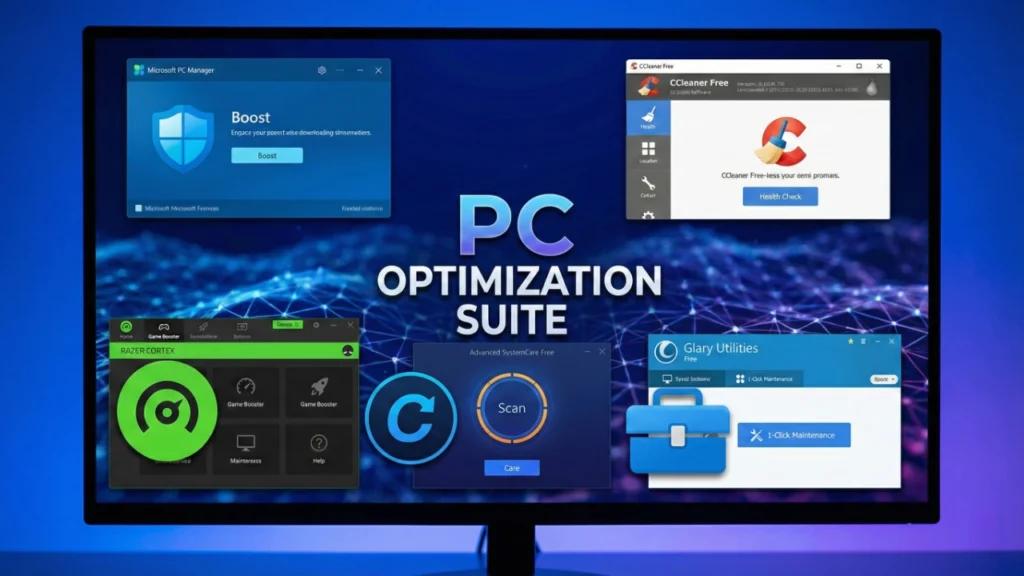
In this guide, we have tested and ranked the best free PC optimizers available in 2026 to help you reclaim disk space, boost FPS, and reduce system latency.
1. Microsoft PC Manager (The Gold Standard)
Microsoft PC Manager is the safest and most reliable free optimization tool in 2026. Since it is developed by Microsoft, it integrates perfectly with Windows 11 and Windows 10 without risking system stability.
- One-Click Boost: Instantly clears temporary files and manages memory usage.
- Startup Management: Easily disable high-impact apps that slow down your boot time.
- Process Management: Kill background tasks that are hogging your CPU or RAM.
2. CCleaner Free (Best for Deep Cleaning)
Despite being around for decades, CCleaner remains a top-tier choice for removing “junk” that other tools miss. Its 2026 updates have focused heavily on privacy protection and browser optimization.
- Health Check: Analyzes your PC and recommends quick fixes for performance and security.
- Custom Clean: Fine-grained control over which files, caches, and cookies to delete.
- Driver Updater: The free version scans for outdated drivers, though some updates may require the pro version.
3. Razer Cortex (Best for Gamers)
If you primarily use your PC for gaming, Razer Cortex is the best free optimization software to boost FPS. It works by temporarily suspending unnecessary background processes when you launch a game.
- Game Booster: Auto-shuts down non-essential apps to free up CPU and RAM.
- System Booster: Defragments game files and clears junk for faster loading times.
- FPS Counter: Monitor your real-time performance to see the actual impact of your tweaks.
4. Advanced SystemCare Free (All-In-One Suite)
IObit’s Advanced SystemCare Free is a comprehensive suite that offers more than just cleaning. It includes AI-powered scanning that learns from your system habits to provide better optimization over time.
- AI Mode: Optimizes your PC based on your usage patterns for better efficiency.
- Privacy Shield: Helps block unauthorized access to your sensitive data.
- Internet Booster: Fine-tunes your network settings for faster browsing and lower ping.
5. Glary Utilities Free (The Multi-Tool)
Glary Utilities is like a Swiss Army knife for your computer. It offers over 20 individual tools that can handle everything from registry repair to file shredding.
- 1-Click Maintenance: Runs a full scan for junk, registry errors, and startup items simultaneously.
- Disk Cleanup: Removes unwanted data from your hard drives to reclaim space.
- Context Menu Manager: Clean up the messy right-click menu in Windows File Explorer.
Final Verdict: Which One Should You Choose?
The “best” optimizer depends on your specific needs:
- Choose Microsoft PC Manager for the safest, no-nonsense experience.
- Choose CCleaner if you need to deep clean your browsers and disk.
- Choose Razer Cortex for maximum FPS in games.
By using one of these free tools once a month, you can ensure your PC stays as fast as the day you bought it. For more optimization tips, check out our guide on How to Fix Game Stuttering on PC.
Frequently Asked Questions (FAQs)
Is free PC optimization software safe?
Yes, if you download from reputable developers. Microsoft PC Manager and CCleaner are highly trusted. Avoid “cracked” versions of premium software as they often contain malware.
Will these tools increase my FPS?
Yes, tools like Razer Cortex can significantly boost FPS by freeing up system resources. However, they won’t turn a low-end PC into a high-end gaming rig; they simply ensure you’re getting the most out of your current hardware.
How often should I run an optimizer?
For most users, running a cleanup tool once a month is sufficient. Over-cleaning (especially the registry) isn’t necessary and can sometimes cause issues if done daily.
Does Windows 11 need third-party optimizers?
Windows 11 is much better at self-maintenance than previous versions, but third-party tools still provide deeper junk removal and more specialized gaming features that the OS lacks by default.
