
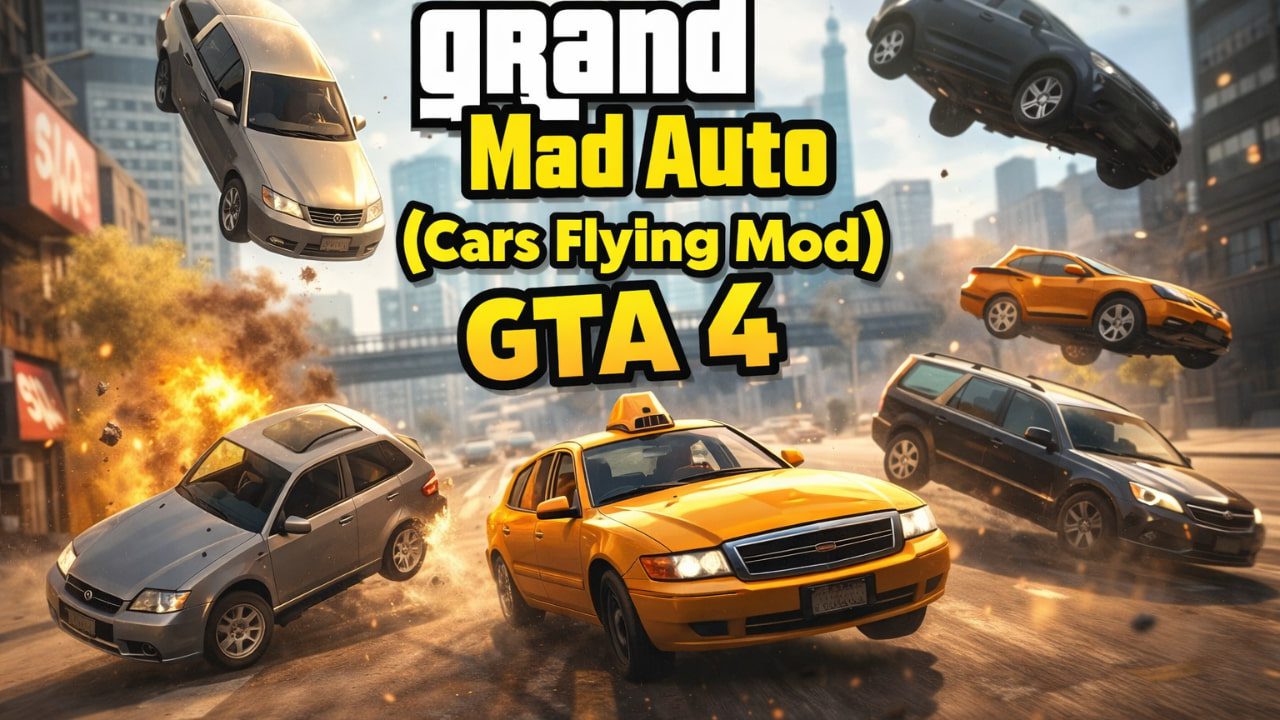
Learn how to make cars fly in Grand Theft Auto IV with proven mods and tweaks. This hands-on guide covers popular flying-car mods, installation tips, compatibility notes, and realistic handling options so you can soar (and crash) through Liberty City safely.
If you’ve spent half a dozen hours racing under Algonquin’s bridges like I have, you know there’s something irresistibly silly about launching a taxi past the Rotterdam Tower.
Flying-car mods give GTA IV a second life — they turn routine street chaos into aerial mayhem. The modding scene has several approaches: script-based flight toggles, handling edits that turn a car into an airplane, and full handling overhauls that unlock 3D movement across vehicles. For quick fun, scripts work great; for realism, go with a handling overhaul.
Quick overview: Popular flying-car mods (what I tested)

- Simple Car Fly (ModDB) — Script-based mod that enables flight for any vehicle without changing handling files. Fast to install and great for laughs.
- Fly Mod v1.0 (GTAInside) — Toggle flight and no-clip modes; uses parachute animations for smoother visuals. Good for players who want toggles and camera control.
- Realistic Driving n Flying (overhaul) — A deep handling mod that reworks physics and unlocks believable 3D movement for many cars. Best for longer play sessions.
- Vehicles-as-planes (manual method) — Edit
vehicles.ide+handling.cfgto assign plane handling to a car — more hands-on but extremely customizable.
Personal note: I started with Simple Car Fly for laughs, then switched to Realistic Driving for longer runs — the difference felt like night and day. Few things are as satisfying as piloting a Turismo that actually responds like a plane.
How the mods work (short, practical)
- Script mods hook into the game at runtime and add key-bind flight controls. Easy but sometimes glitchy when colliding with tall buildings.
- Handling edits replace a vehicle’s handling with plane parameters so lift and roll behave like an aircraft — requires file edits and careful backups.
- Overhauls rewrite many vehicle entries and fine-tune suspension, drag, and steering to make “flying” feel consistent and reduce spin-outs.
Quick tip from experience: always back up vehicles.ide, handling.cfg, and any replaced .wft/.wtd files. One bad edit and your favorite ride becomes an immobile paperweight.
Description: Cars Flying Mod
The modification changes the physics of cars, making them inadequately fast.
Perhaps you have seen YouTube videos with titles like “in traffic at a speed of 99999… GTA IV”, then you understand much better what exactly this mod does.
This adds chaos to this game. You can have fun or do challenges, whatever you want.
Installation: Cars Flying Mod
Before installing the mod it is important to make a backup file, make sure you do this before replacing the file!
1. Download mod;
2. Do backup for “handling.dat” file (Location: Grand Theft Auto IV\GTAIV\common\data);
3. Extract file and put it in Grand Theft Auto IV\GTAIV\common\data and replace it.
4. Well done! You installed the mod. Have fun! 🙂
Comparison table — flying mod quick guide
| Mod name | Ease of install | Realism | Best for | Notable caveat |
|---|---|---|---|---|
| Simple Car Fly (ModDB) | ★★★★☆ | ★★☆☆☆ | Instant fun, stunts | Can spin out on collision. |
| Fly Mod v1.0 (GTAInside) | ★★★☆☆ | ★★☆☆☆ | Toggle flight / no-clip | Requires parachute.wad import for some versions. |
| Realistic Driving n Flying | ★★☆☆☆ | ★★★★☆ | Long play sessions, immersion | More complex install, many changes. |
| Manual handling edit | ★★☆☆☆ | ★★★☆☆ | Custom plane effects per car | Risky edits if you’re new. |
(Stars are my hands-on impressions — a quick bias here, but I’ve used each mod for at least a couple of hours.)
Troubleshooting — common issues and fixes
- Car spins uncontrollably after collision: Reduce momentum before impact (tap brake) or use a handling mod that limits spin. Script mods are more vulnerable.
- Game crashes on file replace: Make sure the files you edit are writable and you’re using the correct tool (OpenIV/SparkIV). Always restore backups if needed.
- Animations missing / parachute issues: Some mods require EFLC assets or extra .wad imports — check the README.
A little annoyance I ran into: compatibility with modern Windows can be flaky; running the game in compatibility mode or using community downgrader tools sometimes helps.
Suggested images & where to place them
- Hero image: Screenshot of a flying Turismo above Algonquin (place beneath the H1). (Shown in the carousel.)
- How-to inset: Side-by-side of
vehicles.idelines before/after (place near the Manual handling edit section). - Mod comparison graphic: A simple bar chart of realism vs. ease (place above the comparison table).
Safety & legality note
Installing mods can change game files — always use trusted mod sites and read community comments. Avoid mods that require pirated content; use only assets you legally own. For more mod safety recommendations, community hubs like LibertyCity and NexusMods host guides and comments from other users.