
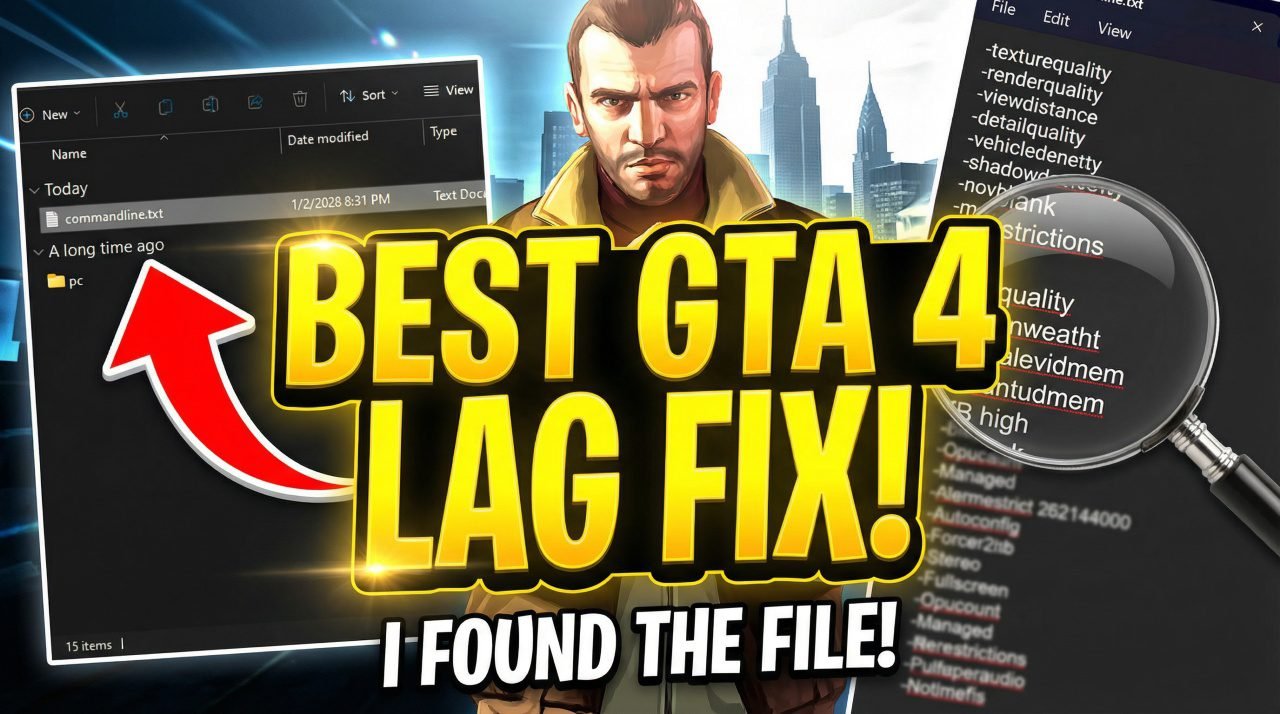
GTA 4 is a masterpiece, but let’s be honest: it is notoriously one of the most poorly optimized games in history. Even on modern gaming rigs, players often face stuttering, texture pop-ins, and frustratingly low frame rates. If you are gaming on a low-end PC or laptop, it can feel unplayable.
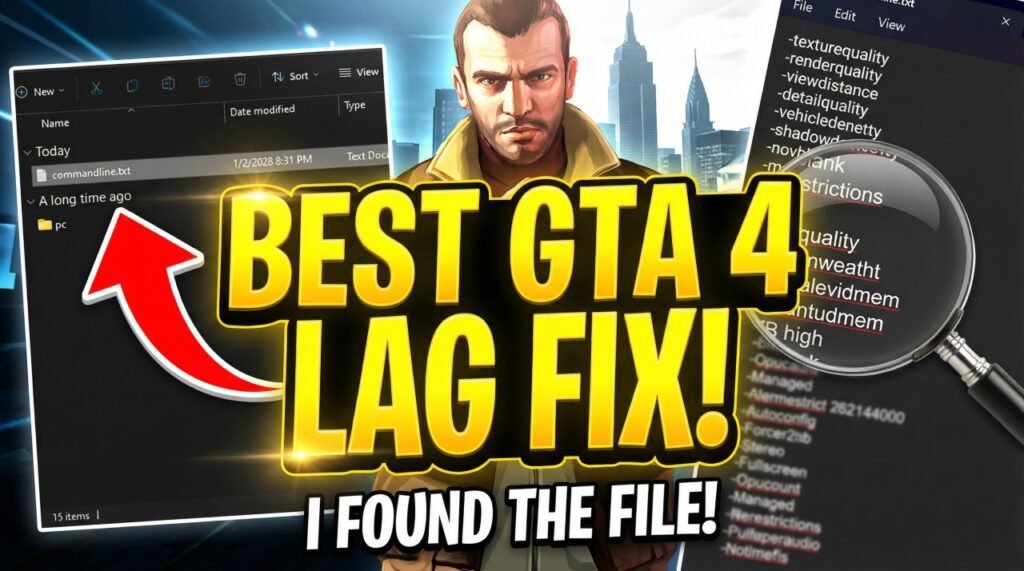
But today, I’m sharing the ultimate solution. I have found the best GTA 4 lag fix files that completely transformed my gameplay. This method involves two simple steps: a custom commandline.txt configuration and a specific “pc” folder replacement that optimizes the game’s internal assets.
Here is how to fix GTA 4 lag permanently and get buttery smooth FPS.
Step 1: The Commandline.txt Fix
The first part of this fix forces the game engine to utilize your hardware correctly. By default, GTA 4 often fails to recognize modern VRAM or restricts memory usage, leading to lag. We will fix this by injecting specific parameters into the game via a text file.
How to Install:
- Open your GTA 4 Main Directory (where
GTAIV.exeis located). - Right-click in an empty space, select New, and click Text Document.
- Name this file
commandline.txt. - Open the text file and paste the following configuration. These settings force high CPU priority, remove memory restrictions, and optimize shadow density:
-texturequality
-renderquality
-viewdistance
-detailquality
-vehicledensity
-shadowdensity
-novblank
-norestrictions
-width
-noprecache
-nomemrestrict
-availablevidmem
-percentvidmem
-DX9 /high
-Gpucount
-Managed
-Memrestrict 262144000
-Autoconfig
-Forcer2vb
-Stereo
-Fullscreen
-Gpucount
-Managed
-Norestrictions
-Fullspecaudio
-Notimefix
Why this works: Flags like -availablevidmem and -nomemrestrict tell the game to stop throttling your video memory, while -DX9 /high ensures the game runs using DirectX 9 with high CPU priority.
Fix All PC & Game Errors Instantly
Don't let DLL crashes or system lags interrupt your win streak. Get the pro-grade fix for every Windows issue in seconds.
Step 2: The “PC” Folder Replacement
The commandline file handles how the game runs, but this next step handles what the game loads. We are going to replace the game’s data folder with a highly optimized version.
I have located a specific “pc” folder that contains optimized data files. As you can see in the screenshot below, this folder structure is essential for the game’s operation.
How to Install:
- Download the Optimization Pack (Link in description/below).
- Extract the downloaded file. You will see a folder simply named “pc”.
- Copy this “pc” folder.
- Navigate back to your GTA 4 Main Directory.
- Paste the folder here.
- Windows will ask if you want to Replace or Merge files. Click Yes/Replace All.
This process overwrites unoptimized textures and data configurations with lighter, faster versions designed for performance. This reduces the strain on your GPU significantly, eliminating the famous “stutter” while driving fast in Liberty City.
Conclusion: Enjoy Smooth Gameplay
By combining the memory management of the commandline.txt with the asset optimization of the replacement pc folder, you should see a massive jump in performance. This is currently the most effective method to play GTA 4 on low-end hardware without losing too much visual quality.
Did this fix work for you? Let me know in the comments below, and don’t forget to subscribe to the channel for more GTA mods and optimization guides!
