
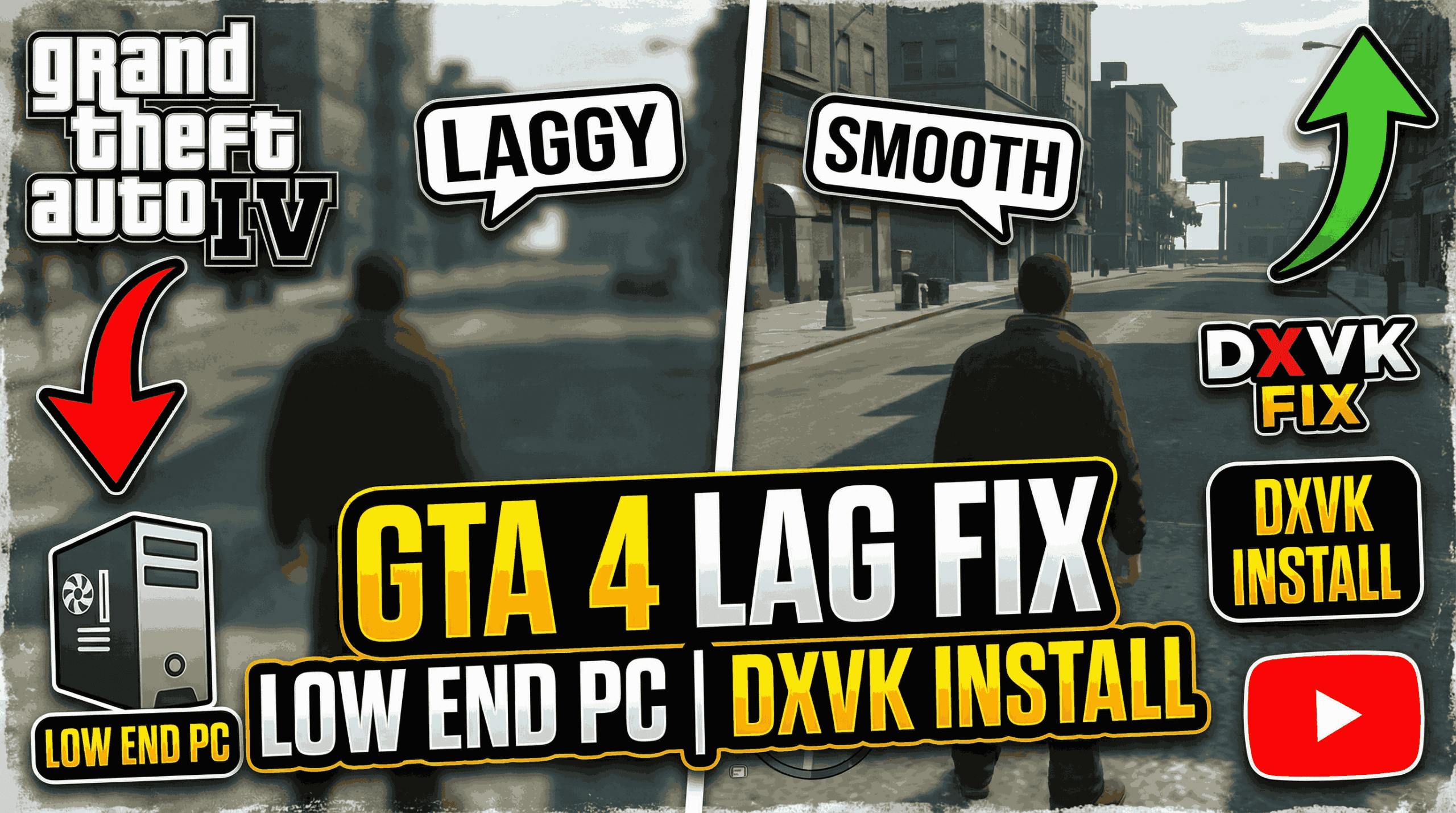
If you are tired of the “slide-show” experience, this guide will walk you through the DXVK installation and additional optimizations to make GTA 4 buttery smooth on your low-end machine.
GTA 4 Lag Fix: The Ultimate 2025 Guide
Step 1: GTA 4 DXVK Install Guide
DXVK works by replacing the game’s rendering engine. Follow these steps carefully:
- Download DXVK: Go to the Official DXVK GitHub Releases. For GTA 4, version 1.9.4 is often cited as the most stable, though the latest version works for most.
- Extract the Files: Open the downloaded
.tar.gzfile (use 7-Zip). Navigate to thex32folder.- Note: Even if your OS is 64-bit, GTA 4 is a 32-bit application.
- Copy DLLs: Copy
d3d9.dllanddxgi.dllinto your GTA IV main directory (whereGTAIV.exeis located). - Configuration (Optional but Recommended): Create a new text file in the game folder named
dxvk.conf. Paste the following lines to reduce latency:d3d9.maxFrameLatency = 1dxgi.maxFrameLatency = 1
Step 2: Commandline Optimization
GTA 4 often fails to recognize modern VRAM. Creating a commandline.txt file in your root folder is essential. Paste these commands.
-nomemrestrict (Removes memory limits)

-norestrictions (Unlocks all graphical settings)

-availablevidmem 2048 (Replace 2048 with your actual VRAM in MB)

-noprecache (Can help reduce stuttering during fast driving)
The Fullscreen & Aspect Ratio Fix
A common side effect of DXVK is that the game might default to an incorrect resolution or show black bars. To fix this:
- Create a new text file in your game folder and name it
dxvk.conf. - Open it and add the necessary configuration lines to force your monitor’s native aspect ratio.
- Alternatively, use a pre-configured
dxvk.confprovided in community optimization packs to ensure the game stays in fullscreen mode without stretching.
Download GTA 4 Dxvk (Youtube Video Pack)
Performance Comparison: DX9 vs. DXVK
| Feature | Original (DirectX 9) | Optimized (DXVK/Vulkan) |
| Average FPS | 25–40 FPS (Inconsistent) | 50–60+ FPS (Stable) |
| Stuttering | High (Especially when driving) | Minimal to None |
| CPU Usage | High (Poor thread utilization) | Balanced |
| Loading Times | Standard | Slightly Faster |
Advantages & Disadvantages of DXVK
Advantages
- Massive FPS Boost: Especially on AMD GPUs and Intel Integrated graphics which struggle with old DX9 drivers.
- Stable Frametimes: Eliminates the “micro-stutter” that occurs when moving between city blocks.
- Windowed Borderless Support: Makes alt-tabbing much safer.
Disadvantages
- Initial Stutter: You may experience minor lag for the first 5-10 minutes of gameplay as the “Shader Cache” builds. This is a one-time process.
- Compatibility: A very small percentage of old GPUs do not support Vulkan.
Reviews & Community Ratings
- Performance Rating: ⭐⭐⭐⭐⭐ (5/5) – “The single best mod for GTA 4. It went from unplayable to 60 FPS on my laptop.”
- Ease of Install: ⭐⭐⭐⭐ (4/5) – Requires manual file moving, but very straightforward.
- Stability: ⭐⭐⭐⭐ (4/5) – Occasionally causes issues with certain ENB lighting mods.
FAQ: Frequently Asked Questions
Q: Does this work for the Complete Edition on Steam?
A: Yes, DXVK is fully compatible with the Steam Complete Edition and the Rockstar Launcher version.
Q: Why is my game still lagging for the first few minutes?
A: That is the Vulkan shader compilation. Simply drive around for a bit, and once the shaders are cached, the lag will disappear permanently.
Q: Can I use this with FusionFix?
A: Absolutely. In fact, using FusionFix alongside DXVK is highly recommended for the best 2025 experience.
Would you like me to generate a specific commandline.txt tailored to your exact PC specs (RAM/GPU)?