
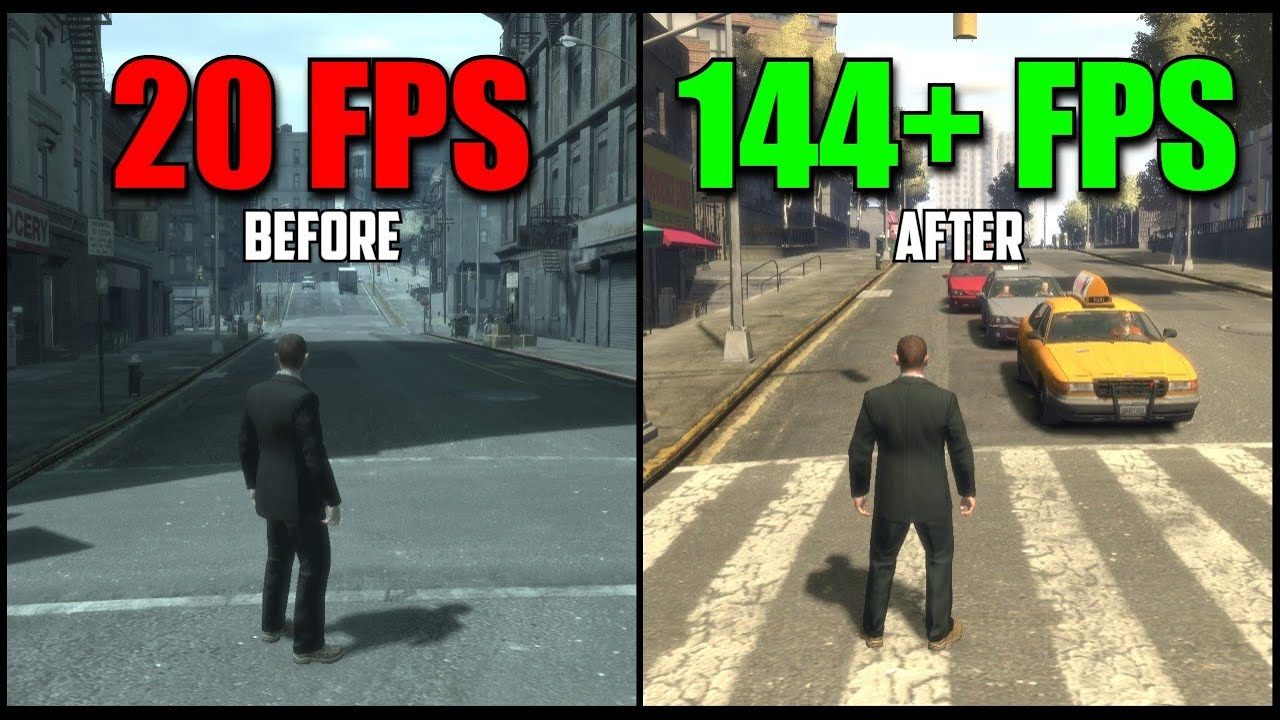
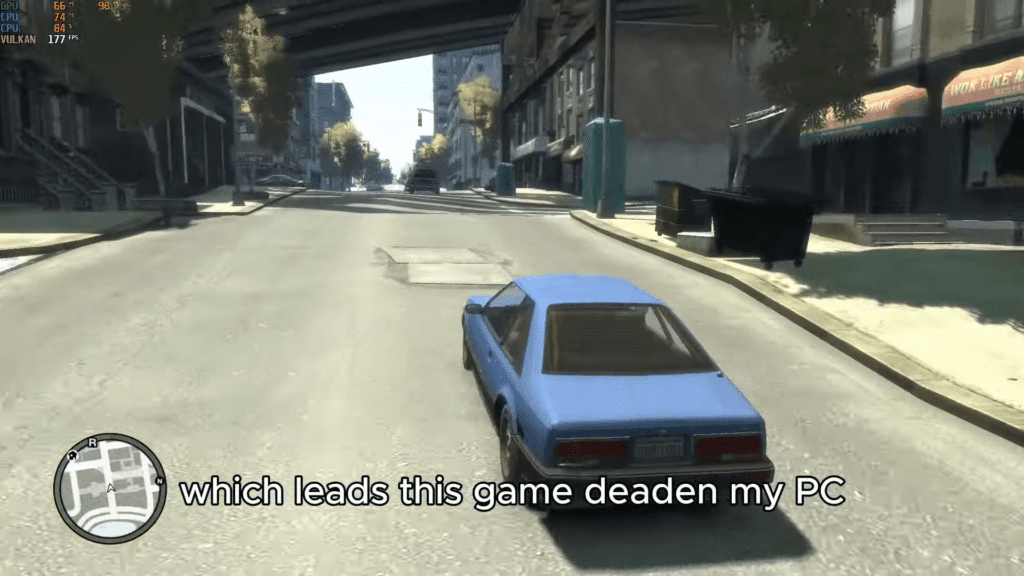
GTA 4 is one of the most popular games in the Grand Theft Auto series. However, the PC version is badly optimized. Many players face lag, stuttering, and FPS drops, especially on low-end PCs. If you have no graphics card and only 2GB RAM, the game can feel almost unplayable.
This guide explains a working GTA 4 lag fix using DXVK and the right graphics settings. With this method, GTA 4 can run smoothly even on weak systems.
Why GTA 4 Lags on PC
The main reason GTA 4 lags on PC is poor optimization. Even when the FPS looks fine, the game often feels choppy.
Main reasons for lag:
- GTA 4 uses DirectX 9, which does not work well with modern hardware
- Frame timing is unstable, which causes small stutters
- The game does not correctly detect VRAM, so performance is limited
Because of this, players experience stuttering while driving, sudden FPS drops, and slow response. Lowering graphics alone does not fully fix the problem.
GTA 4 DXVK Lag Fix (Big FPS Boost)
DXVK is one of the best fixes for GTA 4 lag. It converts DirectX 9 to Vulkan, which helps the game use your hardware more efficiently, even integrated graphics.
With DXVK:
- FPS becomes much more stable
- Stuttering is greatly reduced
- Performance improves while driving and during heavy action
Many users report FPS increasing from unstable 50–60 to smooth 90–140+, depending on the situation.
How to Install DXVK for GTA 4
Follow these steps carefully:
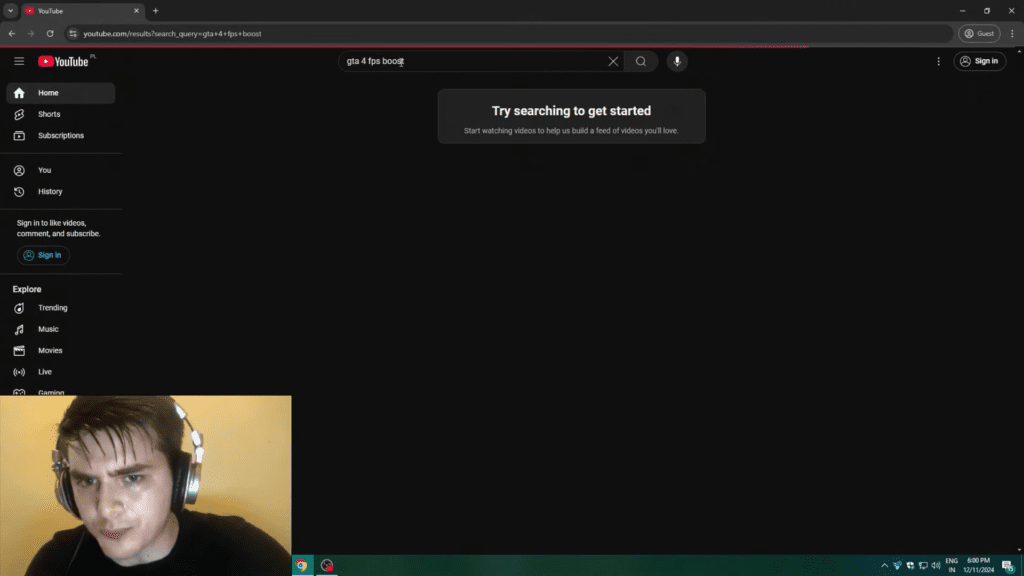
- Download the latest DXVK version from the official GitHub page (link is in the video description)
- Extract the downloaded
.gzfile using 7-Zip - Open the extracted
.tarfile - Open the x32 folder
- Copy all files from the x32 folder
- Paste them into your GTA 4 main game folder (where
GTAIV.exeis located)
Optional but helpful:
- Use bug-fix or downgrade mods for GTA 4
- Use RivaTuner Statistics Server (RTSS) to lock FPS
DXVK changes how GTA 4 renders graphics, which reduces CPU load and removes stuttering.
Best GTA 4 Graphics Settings for Low-End PC
Even with DXVK, graphics settings are important. These settings give good performance without making the game look bad.
Recommended settings:
- Resolution: Choose what fits your screen
- Aspect Ratio: Auto
- Texture Quality: High
- Reflection Resolution: High
- Water Quality: Low
- Shadow Quality: Medium or High
- Night Shadows: Off
- Texture Filter: Anisotropic x8 or lower
- View Distance: 50
- Detail Distance: 50
- Vehicle Density: 50
- VSync: Off
These settings help reduce lag and make gameplay smooth, even with 2GB RAM and no GPU.
Why You Should Lock FPS in GTA 4
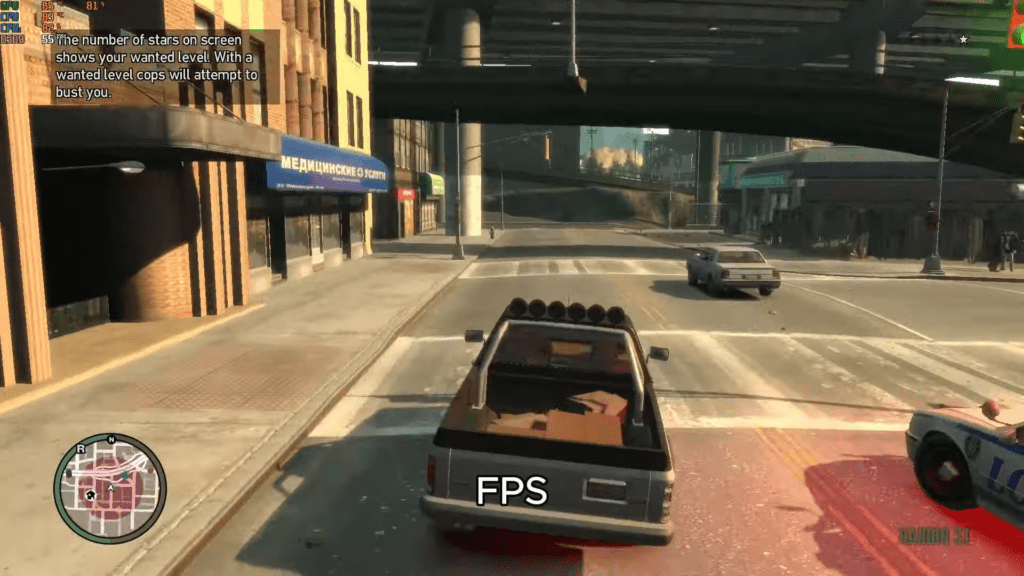
DXVK can push very high FPS, but unstable FPS can still cause stutter. Locking FPS gives smoother gameplay.
Best option:
- Lock FPS to 60 using RivaTuner Statistics Server
A stable 60 FPS feels much smoother than FPS jumping between 80 and 140.
🛠 Easy Setup Guide
- Check for missing DLL files: Open the
_Redistor_CommonRedistfolder in the game directory and install DirectX, Visual C++ Redistributables, and any other included dependencies.- Extract files with 7-Zip: If you encounter a “file corrupted” error, re-download the files and extract them again.
- Run as Administrator: Right-click the game’s executable and choose Run as Administrator to prevent save or permission issues.
Click here to Fix all DLL Issues
💡 Helpful Tips
- Need installation help? Check out our full FAQ & Troubleshooting Guide.
- Antivirus false positives: Temporarily disable your antivirus during extraction to prevent game files from being blocked.
- Update GPU drivers: For optimal performance, make sure your NVIDIA or AMD drivers are up to date.
- Game won’t launch? Try running the game in compatibility mode or installing missing DirectX updates.
- Still seeing errors? Some games require updated Visual C++ Redistributables. Download the All-in-One VC Redist Package and install all versions.
❓ Need More Help?
Visit our FAQ page for answers to common questions and solutions to frequent issues.
Final Thoughts: Best GTA 4 Lag Fix (2024)
Most GTA 4 lag fixes do not work because they ignore the real problem. GTA 4 struggles with DirectX 9, bad VRAM handling, and unstable frame timing.
This method works because it:
- Uses DXVK to fix rendering
- Applies optimized graphics settings
- Locks FPS for smooth frame pacing
If GTA 4 was lagging badly on your PC, this fix can make it smooth and playable again. You can finally enjoy Liberty City without stutters or frustration.