
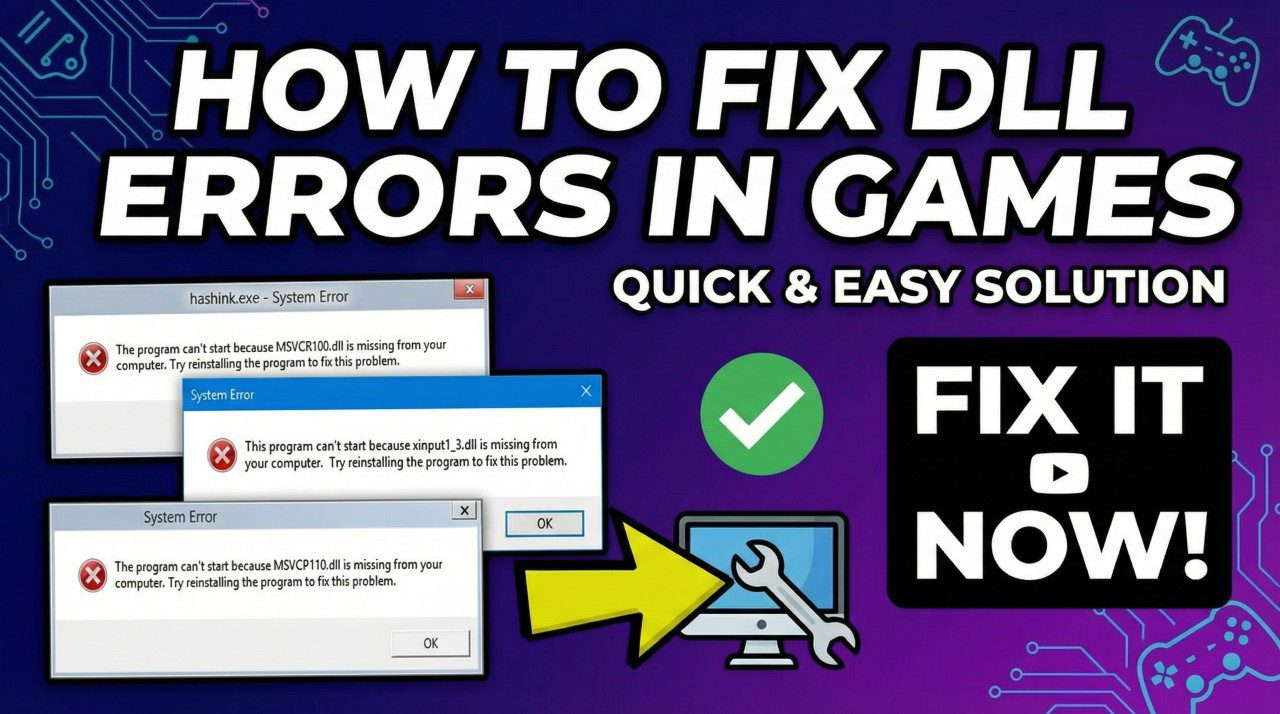
Encountering a cryptic error message just as you are about to launch a new game is a frustrating experience for any PC gamer. Learning how to fix dll errors in games is a crucial skill to ensure uninterrupted gameplay. Whether you are facing a generic “missing file” alert or a specific installation halt, this guide provides professional solutions on how to fix all errors in PC games.
We will cover universal library fixes and address specific, notorious errors found in search trends, ensuring you know how to fix dll errors effectively.
The Foundation: Updating Essential Runtimes
The vast majority of gaming errors stem from missing or outdated Windows libraries. Before attempting complex fixes, ensure your system has the necessary dependencies. Knowing how to fix missing dll files in games usually starts here.
Games rely heavily on Microsoft DirectX and Visual C++ Redistributables. If these are missing, the game cannot locate the necessary resources to run.
- The AIO Solution: Rather than hunting for individual DLLs (which can be dangerous), install the official All-In-One (AIO) runtime packages.
Direct Official Download Links:
- Download Latest DirectX End-User Runtimes ⚙️
- Download latest Visual C++ Redistributable packages (x86 & x64)
Tackling Installation Errors: ISDone.dll and Unarc.dll
A very common frustration for gamers is installation failures. Searches for how to fix isdone dll error during game installation and how to fix unarc dll error while installing games are frequent.
These errors rarely mean the DLL itself is broken; they usually indicate your PC is struggling to decompress huge installation archives due to memory issues.
The “New Method” Fixes
If you are looking for how to fix unarc.dll error while installing games new method, try these steps focused on system stability:
- Increase Virtual Memory: A small paging file can cause decompression failures. Manually increase your Windows Virtual Memory so the installer has breathing room.
- Run Memory Diagnostics: Faulty RAM sticks frequently cause CRC (cyclic redundancy check) errors during installation. Run the built-in Windows Memory Diagnostic tool.
OS and Game-Specific Error Solutions
The approach to solving these issues can vary depending on your environment. Below is a comparison of common scenarios based on search volume, such as how to fix dll errors in windows 10 versus older operating systems, or specific titles like Grand Theft Auto V.
Comparison of Fix Approaches
| Search Scenario | Difficulty Rating | Primary Recommended Action |
| how to fix dll errors in windows 10 | ★★★★★ (Easy) | Ensure Windows Update is current; run System File Checker (sfc /scannow). |
| how to fix dll errors in windows 7 / windows 8 | ★★★★☆ (Moderate) | Manually install the specific “Universal C Runtime” update KB2999226 for older OS versions. |
| how to fix dll error in gta 5 | ★★★☆☆ (Moderate) | Verify integrity of game files within Steam/Epic launcher; reinstall Rockstar Social Club. |
By maintaining updated runtimes and ensuring system hardware stability, you can master how to fix dll errors in games and get back to playing.