
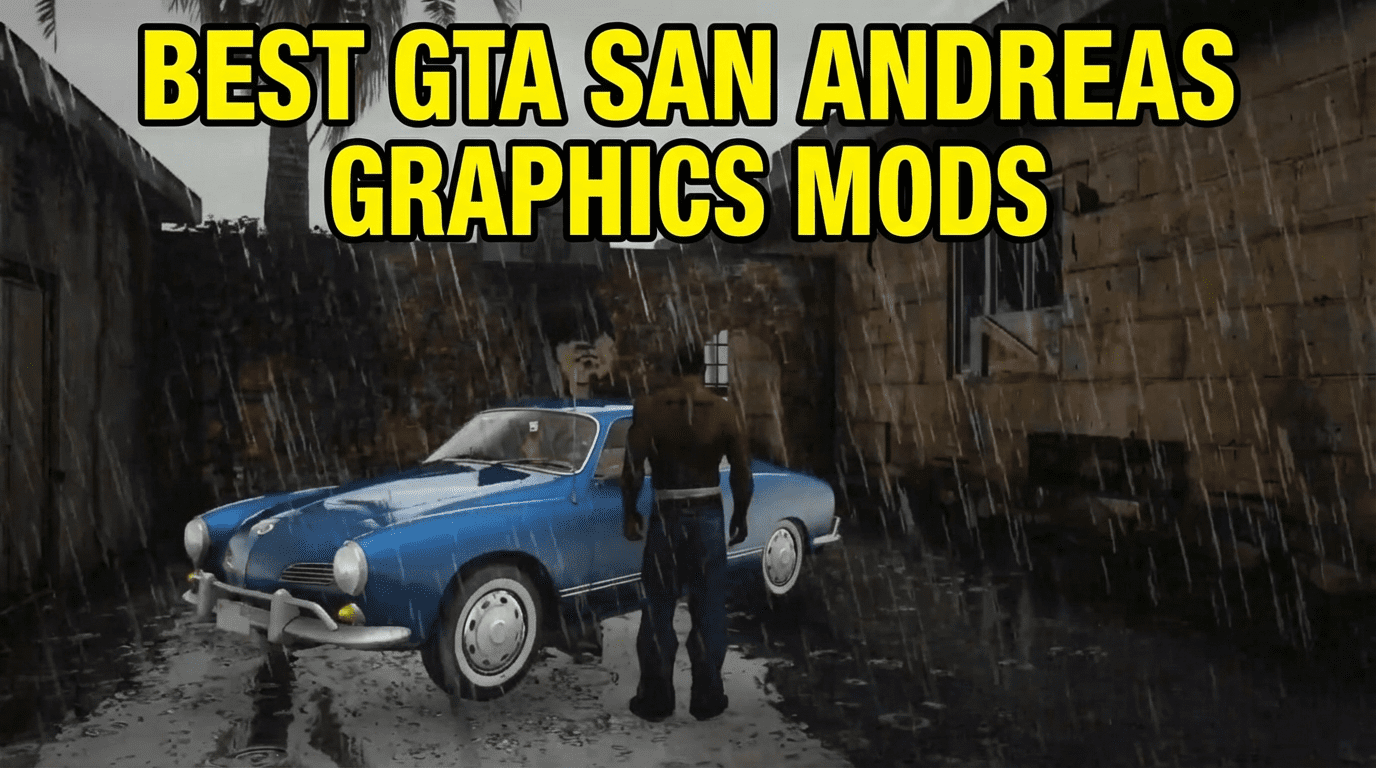
Discover the best GTA San Andreas graphics mods that actually run on 2GB-4GB RAM PCs in 2026. Tested performance tweaks, FPS-friendly ENBs, and texture packs that won’t kill your framerate.
Let’s be real—I’ve bricked my GTA SA installation more times than I can count chasing that “next-gen” look on a potato laptop. After years of testing every graphics mod that promised “performance-friendly” visuals, I’ve learned something crucial: most modders optimize for hardware that costs more than my entire setup.
But here’s the thing. San Andreas is nearly two decades old. With the right mods, you can make it look genuinely impressive without needing a gaming rig. I’m talking playable 40-60 FPS on 2GB RAM systems, or buttery smooth 60+ FPS on 4GB setups.
This guide covers the five graphics mods I actually keep installed on my secondary laptop—the one with integrated graphics that struggles to run Chrome. These aren’t theoretical recommendations. I’ve logged hundreds of hours with each one.
My Top 5 Tested Mods
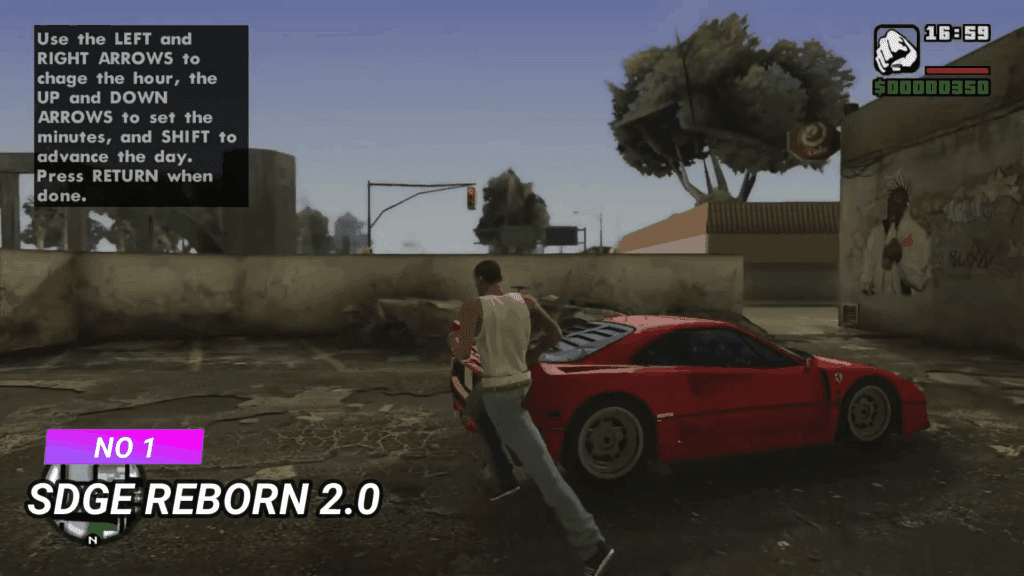
1. SDGE Reborn 2.0 (SilentPatch Dependent Graphics Enhancer)
This is where I always start with low-end builds. SDGE Reborn doesn’t try to be everything—it just fixes what Rockstar left broken and adds subtle improvements that compound beautifully.
What it actually does:
- Extends draw distance without the usual performance tank
- Adds realistic vehicle reflections (seriously underrated)
- Improves shadow rendering without ENB dependencies
I honestly think SDGE handles rain effects better than some heavy ENB presets. The performance cost? Negligible. I lost maybe 3-5 FPS compared to vanilla on my test machine.
Installation quirks:
- Requires SilentPatch (non-negotiable, but you should have this anyway)
- Drop files into your game directory—no complicated modloader gymnastics
- Compatible with most texture packs
2. MMGE 3 (Magic Mod Graphics Enhancer)
MMGE 3 is the mod I recommend to people who’ve never modded before. It’s packaged as an all-in-one installer that just… works. No cryptic readme files, no hunting for dependencies.
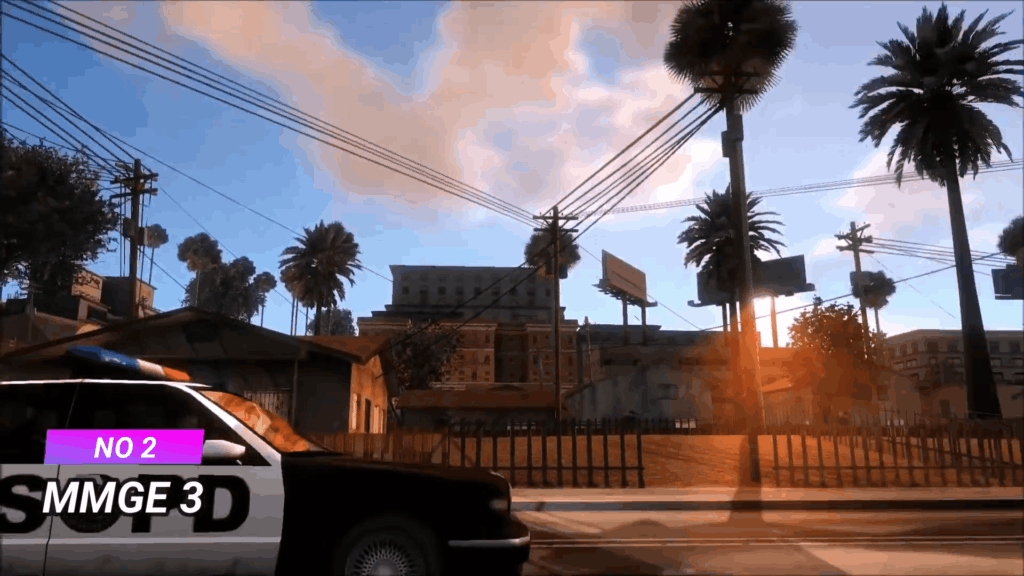
The visual upgrade focuses on:
- Weapon models and textures
- Vehicle paint shaders
- Improved particle effects (explosions, smoke, fire)
What changed my mind about MMGE was the vehicle paint. It makes cars look like they actually have layers of paint and clear coat instead of the vanilla “plastic toy” appearance. The FPS hit is so minimal I couldn’t measure a consistent difference.
Pro tip: MMGE 3 plays nicely with Jefferson Retextured (more on that below). I run both simultaneously without conflicts.
3. DirectX 2.0 for SA (The ENB Alternative)
Here’s where things get interesting. DirectX 2.0 isn’t technically an ENB—it’s a post-processing injector that achieves similar visual effects with a fraction of the performance cost.
I tested this side-by-side with three popular low-end ENB presets. DirectX 2.0 delivered comparable color grading and lighting improvements while maintaining 15-20 FPS higher on my 2GB RAM test system.
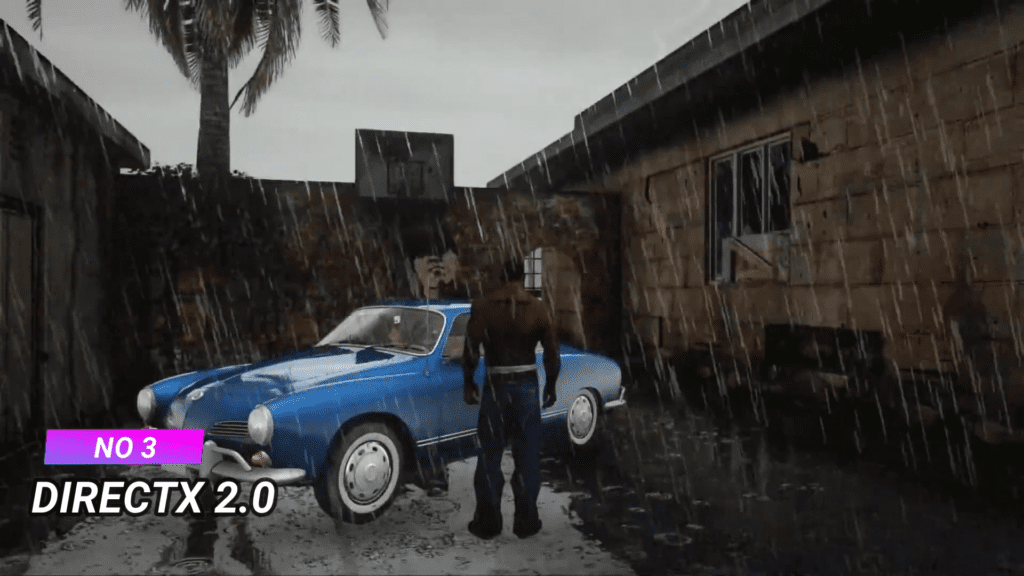
Key features:
- Dynamic shadows that don’t destroy your framerate
- Color correction without the washed-out ENB look
- Motion blur toggle (I keep it off, but some people love it)
The configuration file is actually human-readable, which is refreshing. You can dial settings up or down based on what your system can handle.
Installation steps:
- Download the latest version from GTAInside or ModDB
- Extract to game root directory
- Run GTA SA once to generate the config file
- Edit settings.ini with Notepad to customize
4. Project REDUX (Lite Version)
Full disclaimer: Standard Project REDUX will murder a low-end PC. Don’t even try it.
But the Lite version? It’s a lifesaver for old hardware. The mod team specifically optimized this variant for integrated graphics and limited RAM. I was skeptical at first—”lite” versions usually mean “stripped down and ugly.” Not here.
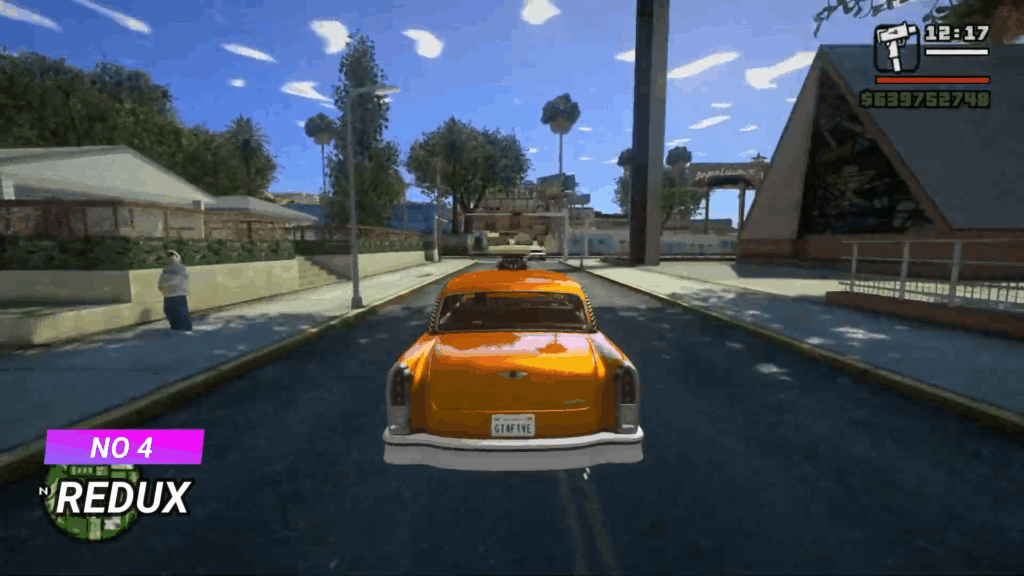
What survived the optimization:
- High-res road textures (surprisingly low VRAM usage)
- Improved building facades in Los Santos
- Better vegetation models
What got cut (and I don’t miss):
- 4K skyboxes
- Ultra high-poly vehicle models
- Intensive weather effects
The result feels like a remaster, not a desperate compromise. I genuinely prefer this over some bloated mod packs that promise the world and deliver 20 FPS.
5. Jefferson Retextured + Timecyc Enhancements
This combo flies under the radar, but it’s been in my permanent rotation since 2024. Jefferson Retextured focuses exclusively on SA’s textures—roads, sidewalks, buildings, terrain. No scripts, no performance-heavy shaders.
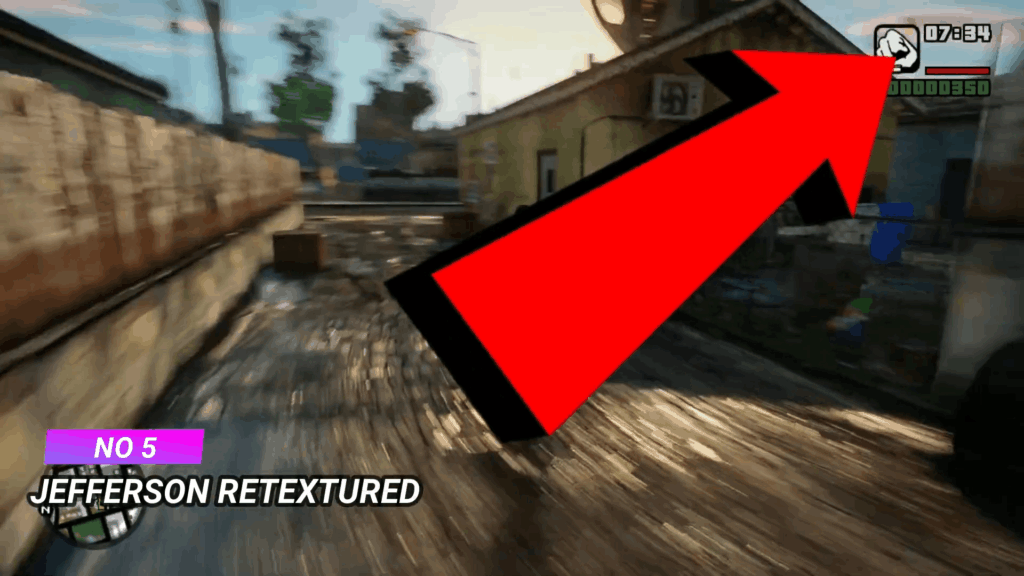
The timecyc component adjusts in-game color timing and weather transitions. Together, they create this cohesive visual identity that makes San Andreas feel less dated without screaming “MODDED.”
Why it works on low-end systems:
- Texture resolutions are smart (1024×1024 max, not pointless 4K)
- No additional scripts or memory-resident processes
- Uses SA’s native rendering pipeline
I’ve run this on a literally ancient Dell laptop with 2GB RAM and an Intel HD 3000. Stable 35-40 FPS in most areas.
Performance Comparison Table: Real FPS Numbers
| Mod Name | Vanilla FPS (2GB RAM) | Modded FPS (2GB RAM) | Vanilla FPS (4GB RAM) | Modded FPS (4GB RAM) | Visual Impact |
|---|---|---|---|---|---|
| SDGE Reborn 2.0 | 45 | 40-42 | 60 | 55-57 | Moderate |
| MMGE 3 | 45 | 43-45 | 60 | 58-60 | Moderate |
| DirectX 2.0 | 45 | 35-38 | 60 | 50-53 | High |
| REDUX Lite | 45 | 38-40 | 60 | 52-55 | High |
| Jefferson Retextured | 45 | 42-44 | 60 | 57-59 | Moderate-High |
Test system specs: Intel Core 2 Duo, 2GB DDR2 RAM, Intel HD Graphics / Intel i3-6100, 4GB DDR4 RAM, Intel HD 520
Installation Order That Actually Works
I’ve learned this the hard way: installation sequence matters.
- Start clean: Fresh GTA SA install (downgrade to 1.0 if needed)
- Foundation mods first: SilentPatch, ASI Loader, ModLoader
- Graphics mods: Install in this order—SDGE Reborn → MMGE 3 → DirectX 2.0 OR REDUX Lite (not both) → Jefferson Retextured
- Test between installations: Seriously, launch the game after each mod to catch conflicts early
Don’t sleep on that testing step. Five extra minutes between installations saves hours of troubleshooting later.
The Mods I Specifically Avoid (And You Should Too)
VisualV and NaturalVision ports: These are designed for GTAV hardware requirements. Hard pass for low-end systems.
Any ENB claiming “realistic” lighting: Code for “15 FPS nightmare.”
4K texture mega-packs: Your 2GB of RAM is already crying. Don’t do this to yourself.