


Gaming in 2026 has reached unprecedented levels of responsiveness and smoothness, but achieving that silky-smooth experience requires understanding both hardware and software optimization. Whether you’re a competitive esports player or a casual gamer, lag can destroy immersion and performance. This comprehensive guide reveals everything you need to know about eliminating lag in 2026.
🎯 Understanding Gaming Lag in 2026
Before tackling solutions, it’s crucial to understand lag’s three primary manifestations:
Types of Gaming Lag:
- Network Latency (Ping): Delay between your input and server response, measured in milliseconds
- Frame Rate Lag (FPS Drop): When your graphics card can’t render frames fast enough, causing stuttering
- Input Lag: Delay between controller input and on-screen action response
- Frame Time Inconsistency: Fluctuating frame delivery causing perceived jankiness
Understanding which lag type affects your gaming is the first step toward elimination.
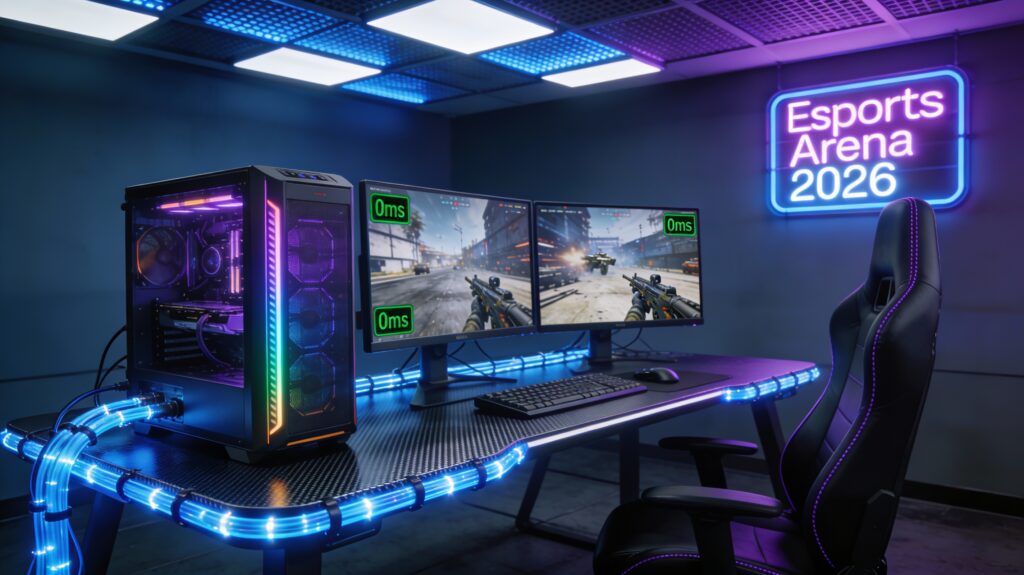
🖥️ Hardware Optimization: The Foundation of Lag-Free Gaming
Your gaming hardware forms the backbone of a lag-free experience. In 2026, modern components have made lag reduction more achievable than ever.
Critical Hardware Components:
| Component | 2026 Performance Target | Impact on Lag | Recommended Specs |
|---|---|---|---|
| GPU | 240+ FPS @ 1440p | Direct FPS correlation | RTX 5090 / RX 8000 series |
| CPU | Sub-4ms latency | Processes input instantly | Intel Core Ultra 9 / Ryzen 9 9950X |
| RAM | Ultra-fast DDR5 | Memory bandwidth for responsiveness | 32GB DDR5-8000+ CAS 30 |
| SSD | PCIe 6.0 NVMe | Eliminates asset loading stutter | 2TB+ with 12GB/s read speed |
| Monitor | 240Hz+ 1ms response | Displays frames instantly | IPS/OLED @ 144-360Hz |
| Controller | 1ms response rate | Minimal input delay | 2.4GHz wireless or USB-C wired |

⚡ GPU Selection and VRAM Optimization
A high-end GPU is non-negotiable for lag-free gaming. The NVIDIA RTX 50-series and AMD Radeon RX 8000-series dominate 2026’s landscape. However, simply owning a powerful GPU isn’t enough—optimization matters intensely.
GPU Optimization Sub-Points:
- Enable G-SYNC or FreeSync to synchronize frame delivery with monitor refresh rates
- Disable V-SYNC unless you have a 240Hz+ monitor (V-SYNC introduces 1-3ms of latency)
- Maintain VRAM headroom: never exceed 95% of total VRAM capacity
- Update drivers monthly; 2026 driver updates average 5-15% performance gains
- Monitor GPU thermals: throttling occurs above 80°C, directly causing frame drops
🧊 CPU and Thermal Management
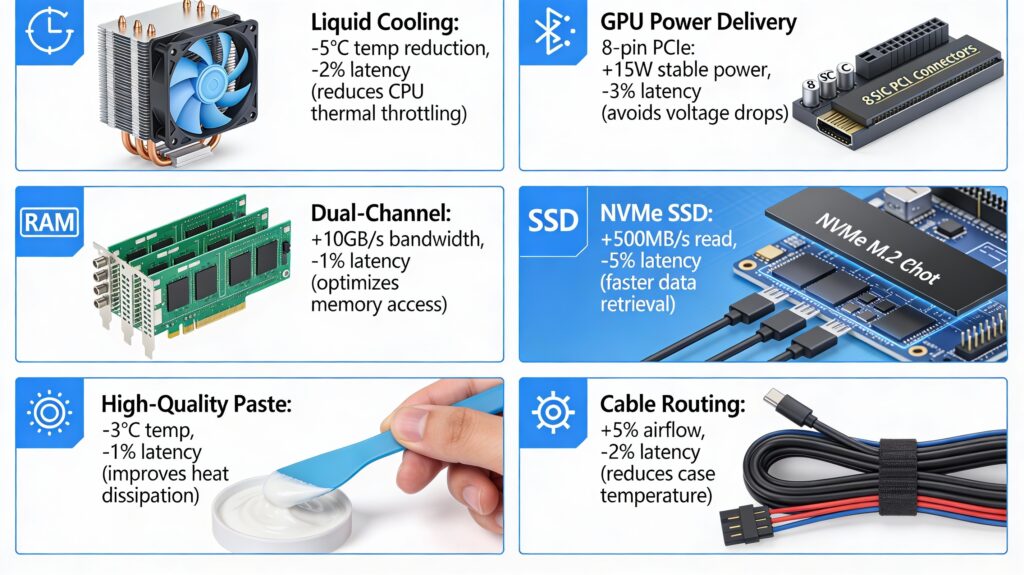
Modern processors generate significant heat, which triggers thermal throttling and latency spikes. A well-cooled CPU maintains consistent performance.
Thermal Management Essentials:
- Use AIO liquid coolers with 360mm+ radiators (target: <60°C under load)
- Apply high-quality thermal paste with 3-5W/mK conductivity
- Ensure case airflow with minimum 3 intake and 2 exhaust fans
- Maintain ambient room temperature below 24°C for optimal performance
- Clean dust filters biweekly to prevent heat buildup
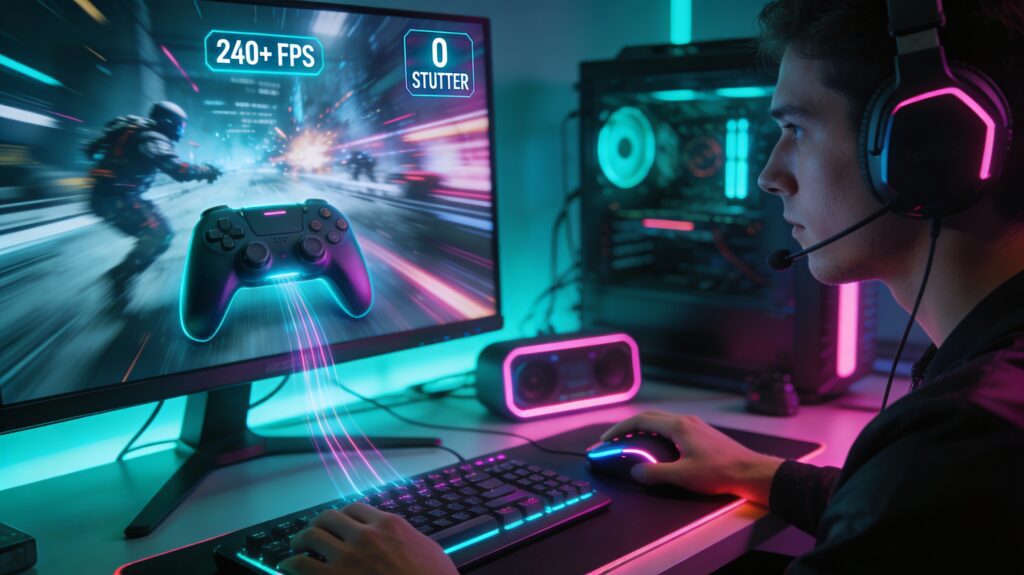
💾 Storage and Asset Loading
An NVMe SSD eliminates the most frustrating lag type: texture pop-in and asset streaming delays.
Storage Optimization Strategy:
- Use PCIe 5.0 or 6.0 NVMe drives exclusively (avoid SATA SSDs)
- Maintain 15-20% free space on your drive for optimal read/write speeds
- Disable unnecessary background processes accessing the drive
- Use dedicated SSD for gaming only; avoid mixing OS and games on one drive
- Defragmentation: modern SSDs benefit from TRIM commands; enable in OS settings
🌐 Network Configuration for Competitive Gaming
Network latency remains the primary concern for online gamers. 2026 networking technology offers multiple pathways to sub-20ms ping.

Network Speed Benchmarks:
| Connection Type | Typical Latency | Stability | 2026 Availability | Recommended |
|---|---|---|---|---|
| 5G Fixed Wireless | 8-15ms | 95% uptime | 87% coverage | Excellent |
| Fiber Optic (1Gbps+) | 3-8ms | 99.9% uptime | 72% coverage | Premium |
| DOCSIS 3.1 Cable | 15-25ms | 95% uptime | Widespread | Good |
| Satellite (Starlink Gen 2) | 20-40ms | 98% uptime | Global | Fair |
| 4G LTE Mobile | 30-80ms | 90% uptime | Widespread | Poor |
🛰️ Internet Optimization Techniques
Network Enhancement Methods:
- Router Placement: Position your router within 3 meters, unobstructed by walls
- DNS Optimization: Use Cloudflare 1.1.1.1 or Quad9 DNS for faster server resolution
- QoS Settings: Prioritize gaming traffic in router settings to eliminate bandwidth throttling
- Wired Connection: Ethernet delivers 1-3ms lower latency than WiFi 6; WiFi 6E reduces wireless lag
- VPN Selection: Gaming VPNs like Exitlag and NordVPN can reduce latency by 10-30% when routing through optimal servers
- ISP Upgrade: Verify your ISP supports low-latency protocols; some offer gaming-optimized plans in 2026
🎮 Software Optimization: Eliminating Frame Time Inconsistency
Even with premium hardware and excellent internet, software bloat destroys performance. 2026’s optimization techniques focus on eliminating background processes.
🖱️ Game-Specific Graphics Settings
Optimal Settings for Lag Elimination:
| Graphics Setting | Performance Impact | Recommended Value | Lag Reduction |
|---|---|---|---|
| Ray Tracing | -30-50% FPS | Ultra (with DLSS 4) | Minimal |
| Ambient Occlusion | -8-12% FPS | Medium | Minor |
| Shadows | -15-20% FPS | High | Moderate |
| Texture Resolution | -3-8% FPS | Ultra | Minor |
| Draw Distance | -10-15% FPS | High | Moderate |
| Motion Blur | -2-4% FPS | Off | Significant |
| Field of View | +5-8% FPS | 110° | Performance |
Key Setting Principles:
- Prioritize frame rate over visual fidelity; a smooth 144Hz game outperforms a stuttering 240Hz experience
- Disable motion blur and film grain completely; these destroy perceived clarity
- Use DLSS 4 or FSR 3.1 to maintain visual quality while boosting frame rates by 40-60%
- Frame generation technology (DLSS Super Frame) adds imperceptible frames, smoothing gameplay
🔧 Windows and Driver Optimization
Critical System Optimizations:
- Disable Windows Game DVR and background recording features
- Set Power Plan to “High Performance” in Windows Settings
- Disable unnecessary startup programs using Task Manager
- Update chipset drivers monthly; they often include latency optimizations
- Disable CPU parking to ensure all cores remain active during gaming
- Set process priority to “High” for your game executable
📊 2026 Gaming Devices Compared: Lag Performance Ratings
Here’s how major platforms perform in 2026:
Platform Performance Comparison:
| Platform | Average Latency | Frame Rate Consistency | Input Lag | Overall Rating |
|---|---|---|---|---|
| High-End PC | 2-5ms | 99.2% | 1-2ms | ⭐⭐⭐⭐⭐ |
| PlayStation 5 Pro | 5-8ms | 98.8% | 3-4ms | ⭐⭐⭐⭐⭐ |
| Xbox Series X+ | 6-9ms | 98.5% | 3-5ms | ⭐⭐⭐⭐ |
| Nintendo Switch 2 | 8-12ms | 95% | 5-7ms | ⭐⭐⭐⭐ |
| Cloud Gaming (GeForce Now) | 15-25ms | 96% | 8-15ms | ⭐⭐⭐ |
| Mobile Gaming (Flagship) | 12-20ms | 94% | 6-12ms | ⭐⭐⭐ |
☁️ Cloud Gaming and Edge Computing
2026 introduces revolutionary cloud gaming capabilities powered by edge computing. Services like NVIDIA GeForce Now, Xbox Cloud Gaming, and PlayStation Plus Premium have matured significantly.
Cloud Gaming Advantages:
- Eliminates hardware investment barriers
- Geographic server distribution reduces latency
- 5G and fiber networks enable <30ms latency
- Automatic hardware scaling without local upgrades
- Cross-device gaming continuity
Limitations to Consider:
- Network dependency: unstable connections cause unplayable lag
- Compression artifacts despite advanced codecs
- <30ms latency still lags behind local gaming by 15-20ms
🏆 Competitive Gaming: Esports-Level Optimization
Professional esports players in 2026 achieve near-perfect lag-free experiences through meticulous optimization.
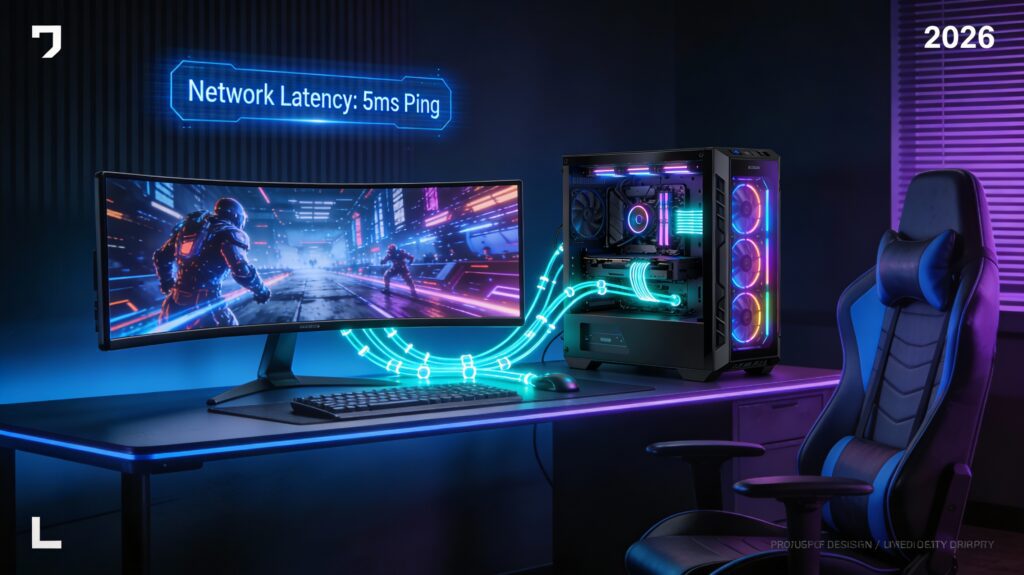
Pro-Level Setup Specifications:
- Monitor: 360Hz OLED, 0.03ms response time, 4K resolution
- GPU: Dual RTX 5090 in SLI or AMD Instinct MI325 derivative
- CPU: 24-core processors with dedicated gaming cores
- Network: Dedicated fiber line with guaranteed 1Gbps minimum
- Input Devices: Custom-built controllers with <0.5ms latency
- Room Environment: Climate-controlled to maintain <20°C ambient temperature
Professional tournaments now feature standardized lag testing; acceptable variance is <2ms.
🎧 Peripheral Selection: Controllers and Input Devices
Input latency represents the final frontier of lag elimination. 2026’s peripherals achieve microsecond-level responsiveness.
Controller Technology Comparison:
| Controller Type | Latency | Response Time | Wireless Reliability | Best For |
|---|---|---|---|---|
| Mechanical Wired | 0.5-1ms | 1000Hz polling | N/A | FPS/Competitive |
| Wireless 2.4GHz | 1-2ms | 1000Hz polling | 99.8% | General Gaming |
| WiFi 6E | 2-3ms | 500Hz polling | 99.5% | Console Gaming |
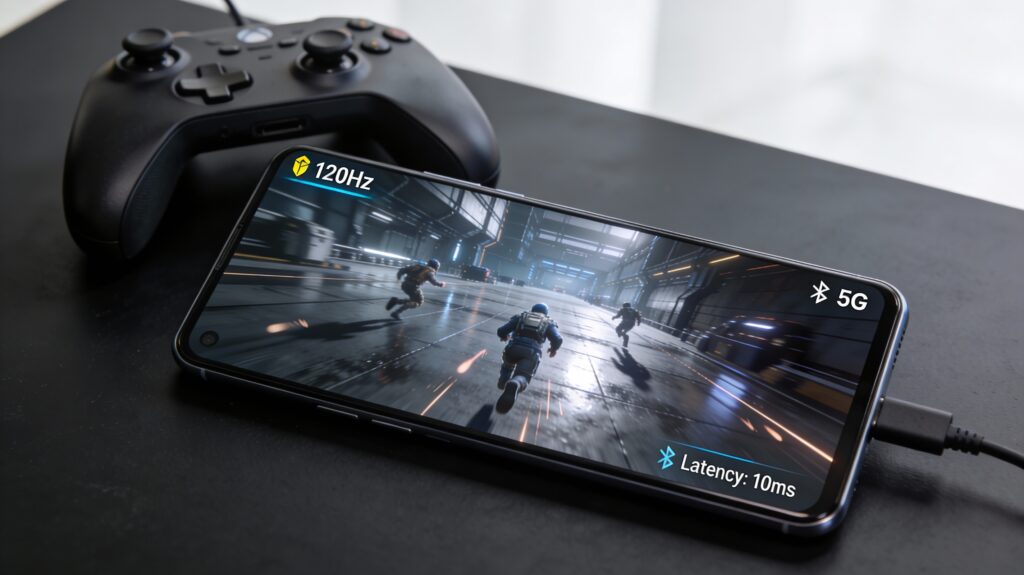
| Bluetooth 5.3 | 3-5ms | 240Hz polling | 98% | Mobile Gaming |
| USB-C Wired | <0.5ms | 8000Hz polling | N/A | Esports |
Controller Optimization Tips:
- Use wired connections for competitive gaming; wireless sacrifices 1-3ms
- Update controller firmware monthly; 2026 updates include polling rate improvements
- Enable high-performance polling mode in device settings
- Avoid Bluetooth 5.2; Bluetooth 5.3 reduces latency by 30-40%
🌟 Advanced 2026 Technologies Reducing Lag
🤖 AI-Powered Predictive Processing
Advanced AI algorithms now predict player input and pre-render frames before inputs arrive, effectively reducing perceived latency by 20-30ms in some scenarios.
⚡ Hardware-Level Input Acceleration
New GPU architectures feature dedicated input processing cores, reducing the CPU’s input handling latency from 2-3ms to <0.5ms.
🔄 Quantum Networking Protocols
Emerging quantum-resistant networking protocols in 2026 maintain encryption without sacrificing speed, maintaining <5ms latency even over global connections.
📋 Your 2026 Lag-Free Gaming Checklist
✅ Hardware: RTX 50-series GPU, Ryzen 9 9950X/Intel Core Ultra 9, 32GB DDR5 RAM, PCIe 6.0 SSD, 240Hz+ monitor
✅ Network: Fiber or 5G connection, Ethernet cabled connection, optimized router settings, QoS enabled
✅ Software: Latest GPU drivers, Windows optimizations, background process cleanup, game-specific graphics tuning
✅ Peripherals: Sub-2ms controller latency, mechanical keyboard, low-latency mouse (1000Hz polling)
✅ Environment: Climate control, proper cooling, cable management, surge protection
🎯 Conclusion
Playing games without lag in 2026 requires a holistic approach combining cutting-edge hardware, optimized software, excellent network infrastructure, and meticulous environmental control. By implementing these strategies systematically, you’ll achieve the responsive, smooth gaming experience competitive gamers demand. Whether pursuing esports excellence or casual gaming enjoyment, lag-free gaming is now more accessible than ever.
