

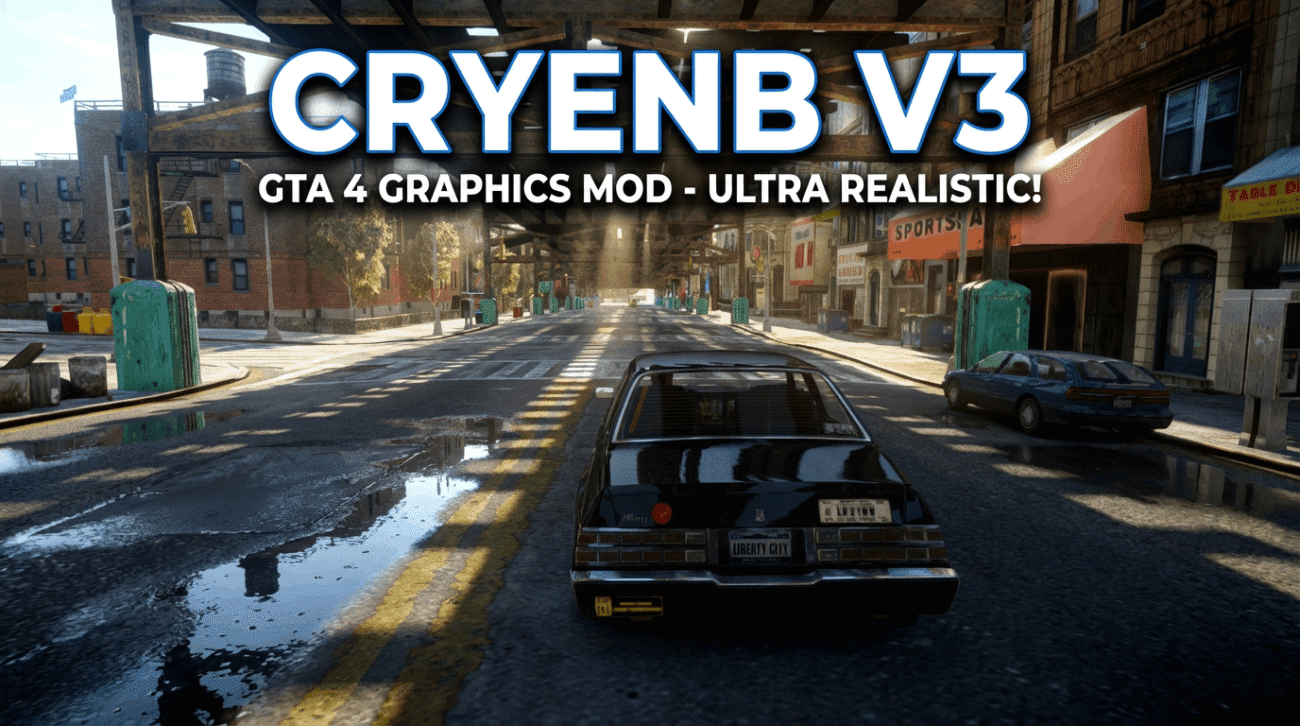
Grand Theft Auto IV remains a masterpiece of physics and storytelling, but its “grey-and-gritty” 2008 visuals haven’t aged as gracefully as Niko Bellic’s one-liners. Enter CryENB V3, widely regarded by the modding community as one of the most balanced and visually stunning ENB configurations available.
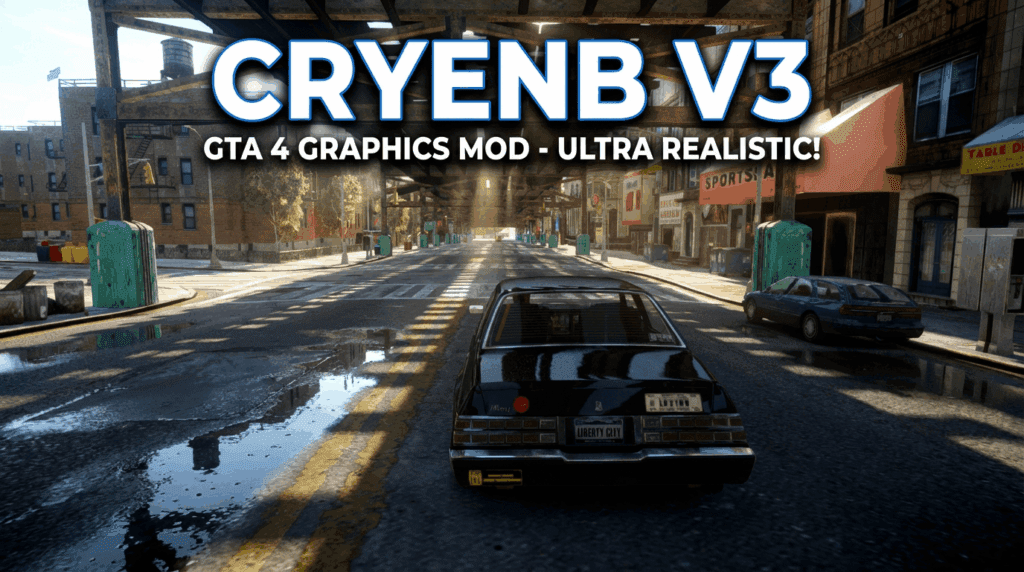
Transform Liberty City with the CryENB V3 mod. Discover how to download CryENB for GTA 4, master the installation process for patch 1.0.7.0, and achieve ultra-realistic graphics in 2026.
Unlike other presets that simply crank up the saturation, CryENB delivers a cinematic, crisp look that respects the original art direction while modernizing lighting, shadows, and reflections. Whether you are a content creator looking to make 4K videos or a gamer revisiting Liberty City, this guide will walk you through how to download CryENB mod for GTA 4, install it correctly, and optimize it for smooth performance.
Key Features of CryENB V3
Why choose CryENB over competitors like iCEnhancer? It comes down to stability and aesthetic balance.
- ☀️ Realistic Lighting: Replaces the muddy “piss filter” with natural, dynamic lighting that reacts realistically to time of day.
- 🌧️ Enhanced Weather Effects: Rain puddles reflect neon lights accurately, and overcast days feel genuinely moody without being overly dark.
- 🚑 ELS Compatibility: Unlike many heavy ENBs, CryENB V3 is highly compatible with the Emergency Lighting System (ELS), making it a favorite for LCPDFR players.
- 🖥️ Performance Friendly: While demanding, it is generally more optimized than older versions of iCEnhancer, offering better FPS on modern mid-range GPUs.
💡 Pro Tip: CryENB V3 is specifically optimized for Patch 1.0.7.0 and EFLC. Attempting to run this on the Steam Complete Edition without downgrading may cause crashes.
System Requirements
Before you hit the download button, ensure your rig can handle the graphical injection. GTA IV is notoriously unoptimized, even on 2026 hardware.
| Component | Minimum Requirement | Recommended (1080p/60FPS) |
| OS | Windows 10/11 (64-bit) | Windows 10/11 (64-bit) |
| CPU | Intel Core i5 (4th Gen) | Intel Core i7 (9th Gen) or Ryzen 5 3600 |
| GPU | GTX 1050 Ti (4GB VRAM) | RTX 3060 / RX 6600 (8GB+ VRAM) |
| RAM | 8 GB DDR4 | 16 GB DDR4 |
| Storage | HDD | SSD (Crucial for texture streaming) |
Step-by-Step Guide: How to Install CryENB for GTA 4
Follow this exact process to avoid the dreaded “black screen” or crash-to-desktop errors.
Phase 1: Preparation (The Downgrade)
Most modern copies of GTA IV (Steam/Rockstar Launcher) run on the “Complete Edition.” CryENB V3 was built for the older 1.0.7.0 patch.
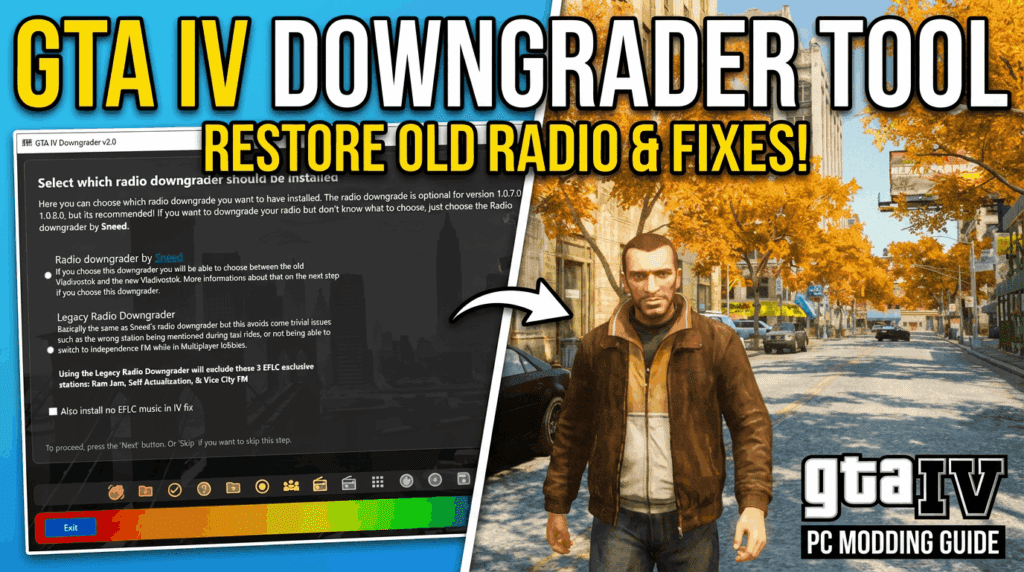
- Backup your game files.
- Download a trusted GTA IV Downgrader tool.
- Downgrade your game version to 1.0.7.0.
- Note: This step is non-negotiable for CryENB V3 stability.
Phase 2: Downloading the Files
Visit a reputable modding repository to get the files.
(Image Suggestion: A screenshot of the correct “Download” button on the mod site to guide users away from fake ads).
Phase 3: Installation
- Extract the downloaded
.zipor.rarfile using WinRAR or 7-Zip. - Open the folder named
1.0.7.0(orEFLCif you are playing Episodes from Liberty City). - Select all files inside this folder (
d3d9.dll,enbseries.ini,common, etc.). - Drag and drop them into your main GTA IV root directory.
- Directory Path Example:
C:\Program Files (x86)\Steam\steamapps\common\Grand Theft Auto IV\GTAIV
- Directory Path Example:
- Replace any files if prompted.
Phase 4: Final Tweaks
- Commandline.txt: Create a text file named
commandline.txtin your game folder and add the line-nomemrestrict -norestrictionsto prevent texture missing glitches.
Comparison: CryENB vs. iCEnhancer 3.0
Many users struggle to decide between these two titans of GTA modding. Here is a quick breakdown to help you decide.
| Feature | CryENB V3 | iCEnhancer 3.0 |
| Visual Style | Sharp, crisp, slightly cool tones | Soft, blooming, cinematic warmth |
| Saturation | Moderate/High | Natural/Warm |
| Night Time | Bright enough to see | Very dark (realistic but hard for gameplay) |
| Performance | ⭐⭐⭐⭐ (Good) | ⭐⭐⭐ (Heavy) |
| Best For | Gameplay, LCPDFR, Story | Screenshots, Music Videos |
(Image Suggestion: A side-by-side comparison slider image showing Vanilla GTA IV vs. CryENB V3).
Troubleshooting Common Issues
Even seasoned modders encounter bugs. Here are the fixes for the most common CryENB problems:
- 🔴 The “Red Sky” Bug:
- Cause: This usually happens if you are not using Patch 1.0.7.0.
- Fix: Verify you have successfully downgraded your game.
- 🌑 Black Screen on Startup:
- Fix: Disable “Discord Overlay” or “Steam Overlay.” If that fails, try renaming
d3d9.dlltod3dx9_31.dll(though this may disable the ENB effects, indicating an injector issue).
- Fix: Disable “Discord Overlay” or “Steam Overlay.” If that fails, try renaming
- 📉 Low FPS / Stuttering:
- Fix: Open
enbseries.iniand lower the SSAO and Skylighting quality settings. Turn offEnableDoF(Depth of Field) for a massive FPS boost.
- Fix: Open
Conclusion & Next Steps
Downloading the CryENB mod for GTA 4 is the single best way to revitalize this classic title in 2026. It bridges the gap between the gritty atmosphere of Liberty City and modern graphical standards. By following the installation steps above—specifically the critical downgrading process—you ensure a stable, beautiful experience.
Ready to transform your game?
[Link: Download GTA IV Downgrader Tool]
[Link: Browse More Top-Rated GTA 4 Mods]
We Want To Hear From You!
Have you tried CryENB V3? Do you prefer it over iCEnhancer? Drop a comment below with your PC specs and the FPS you are getting—let’s help the community optimize their settings!
